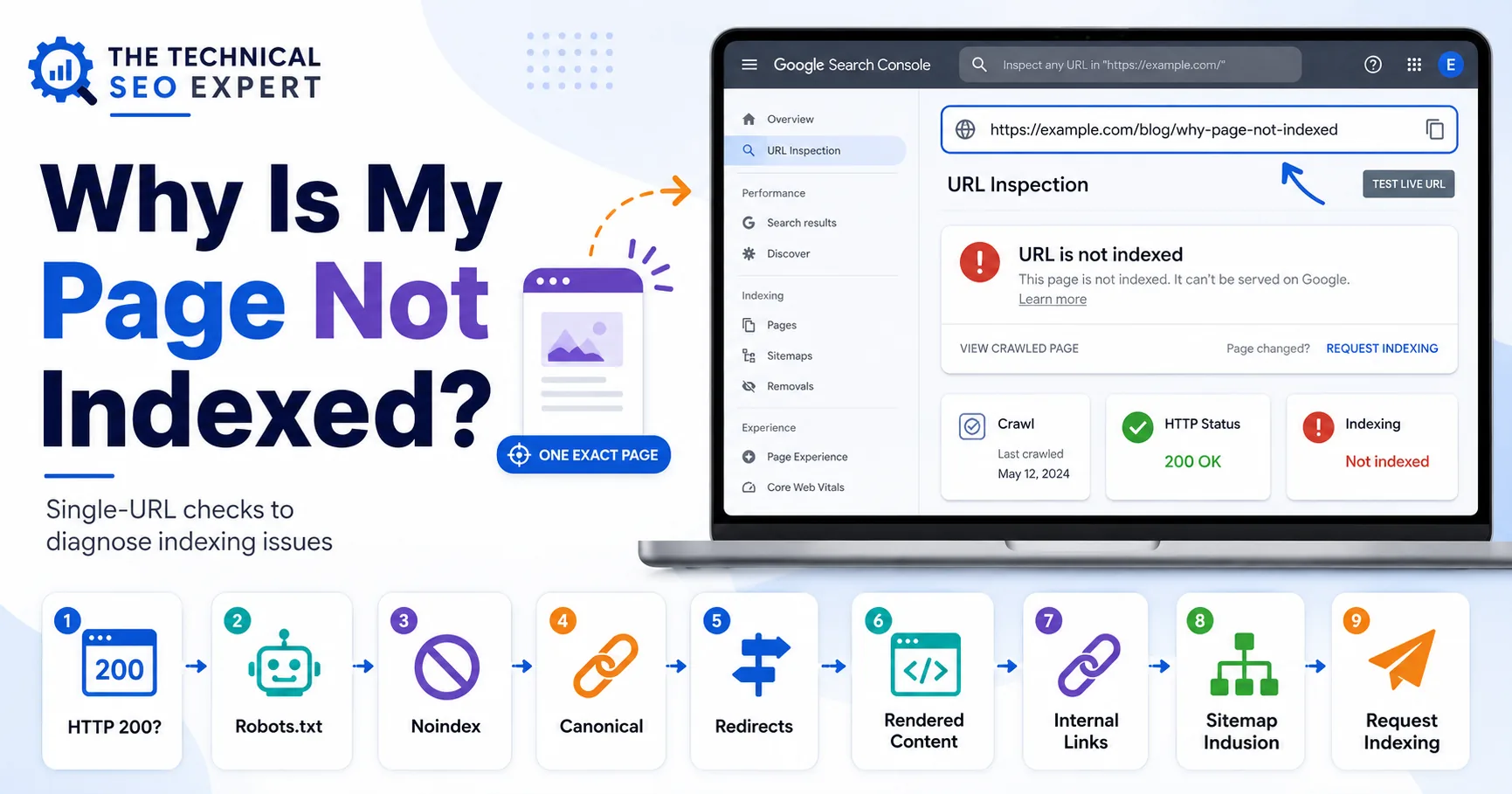
Why Is My Page Not Indexed?
Find out why one specific page is not indexed by Google. Check URL Inspection, HTTP status, robots.txt, noindex, canonicals, redirects, content, and links.
Read the guide →'URL is unknown to Google' means Google has no prior record of that exact URL. Treat it as a discovery problem first: confirm the URL is live, reachable, internally linked, included in the correct sitemap, and not sending conflicting robots or canonical signals.
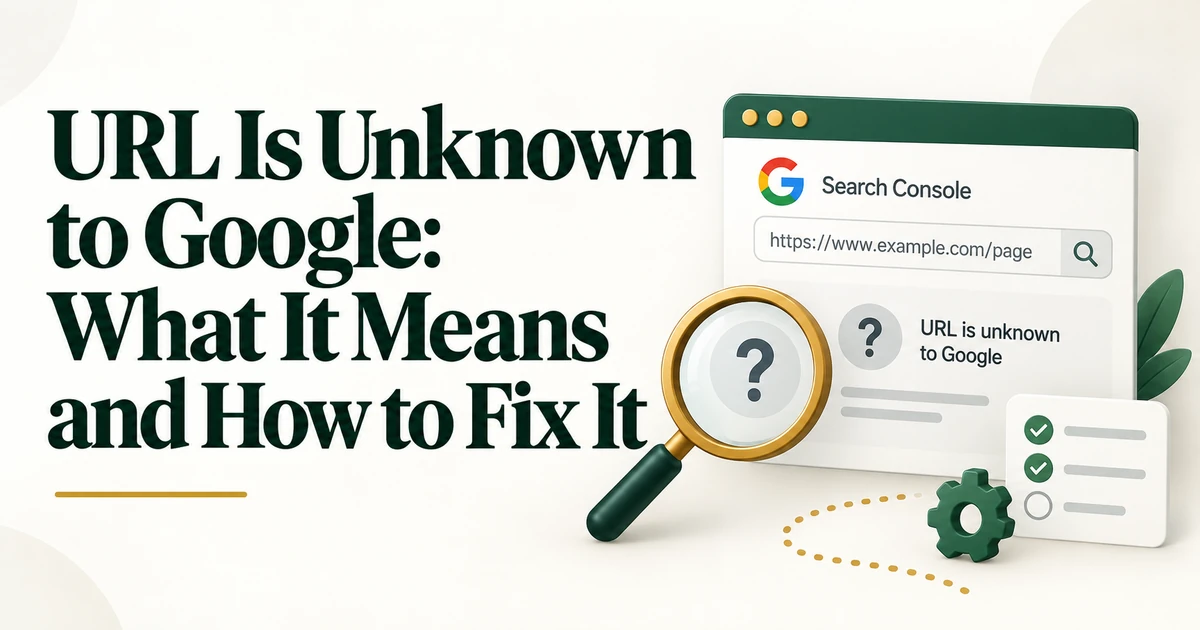
When URL Inspection reports that a URL is unknown to Google, the first question is not why Google rejected the content. Google may not have reached the point of evaluating it at all.
This status is fundamentally about discovery. Google has no prior record of the exact URL you inspected, so the goal is to verify that the URL exists, can be reached, and is exposed through reliable discovery signals.
It means Google does not have stored information for that exact URL. This is common for new pages, orphan URLs, recently changed paths, or URLs that have never been exposed through crawlable links or sitemaps. For a focused next step, review Google Search Console indexing issues.
Always inspect the exact final URL you want indexed. HTTP/HTTPS, www/non-www, trailing slash, case, and parameters can make two URLs different.
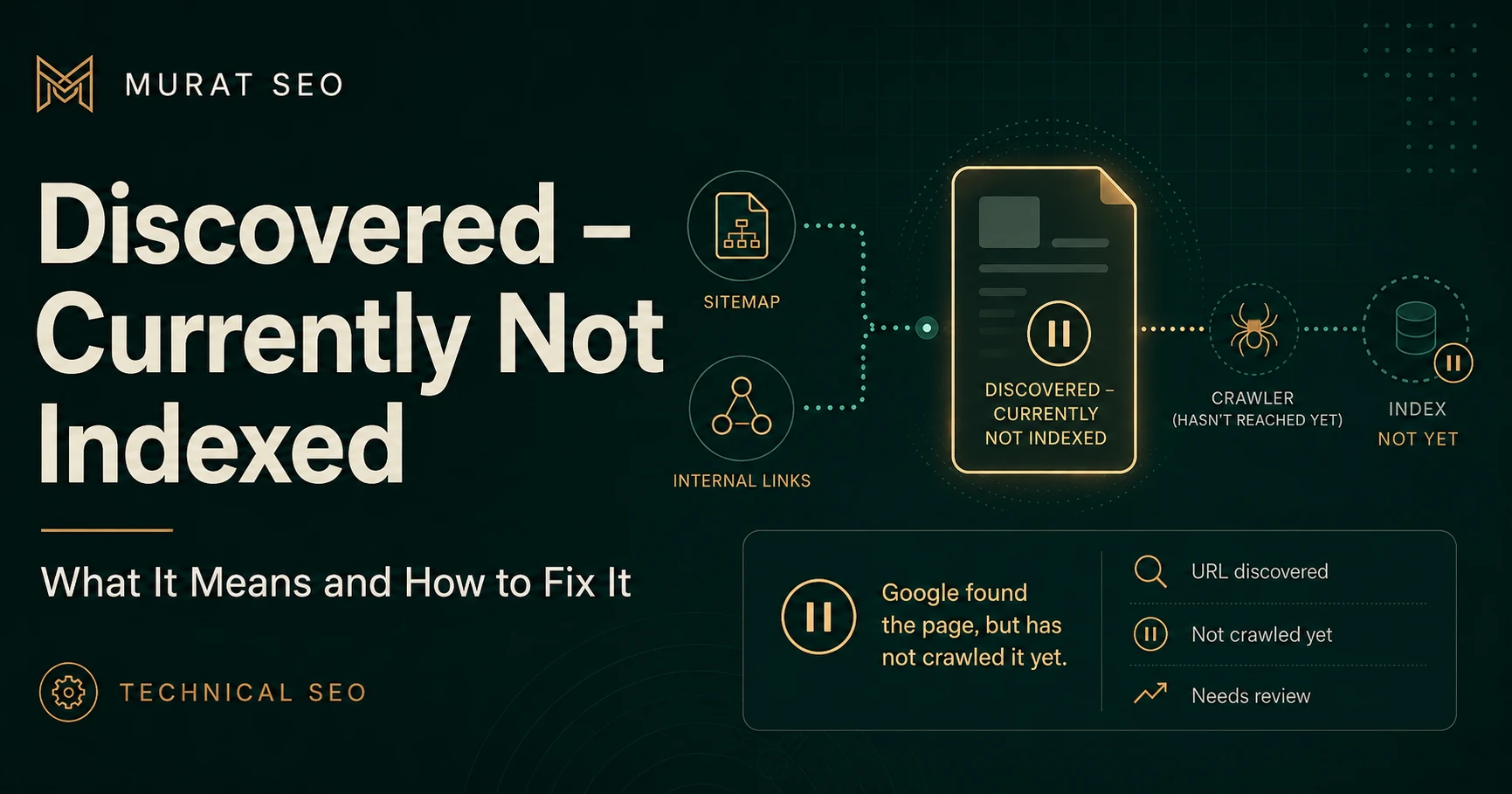
In 'Discovered - currently not indexed', Google already knows the URL but has not crawled it yet. 'URL is unknown to Google' means the discovery stage itself is not established. Do not collapse these statuses into one generic indexing problem because their next steps differ.
Open the URL directly and test its HTTP response. Confirm it is public, not behind authentication, and does not redirect to another page. A new indexable page should normally return a useful 200 response at its final canonical URL.
Link the page from relevant indexed or crawlable pages using standard HTML links. Good sources include parent hubs, related articles, product or category pages, navigation where appropriate, and breadcrumbs.
An internal linking audit can reveal whether the page is orphaned or buried.
If the page should be indexed, include its canonical URL in the relevant XML sitemap and make sure the sitemap is submitted and accessible. Sitemap inclusion helps discovery but does not guarantee crawling or indexing. For a focused next step, review XML sitemap indexing guide.
URL Inspection may show referring-page or sitemap information, but these fields are not always complete. Use them as clues, not as the entire diagnosis. If no referring page is detected and the URL is absent from the sitemap, discovery is the obvious first problem to solve.
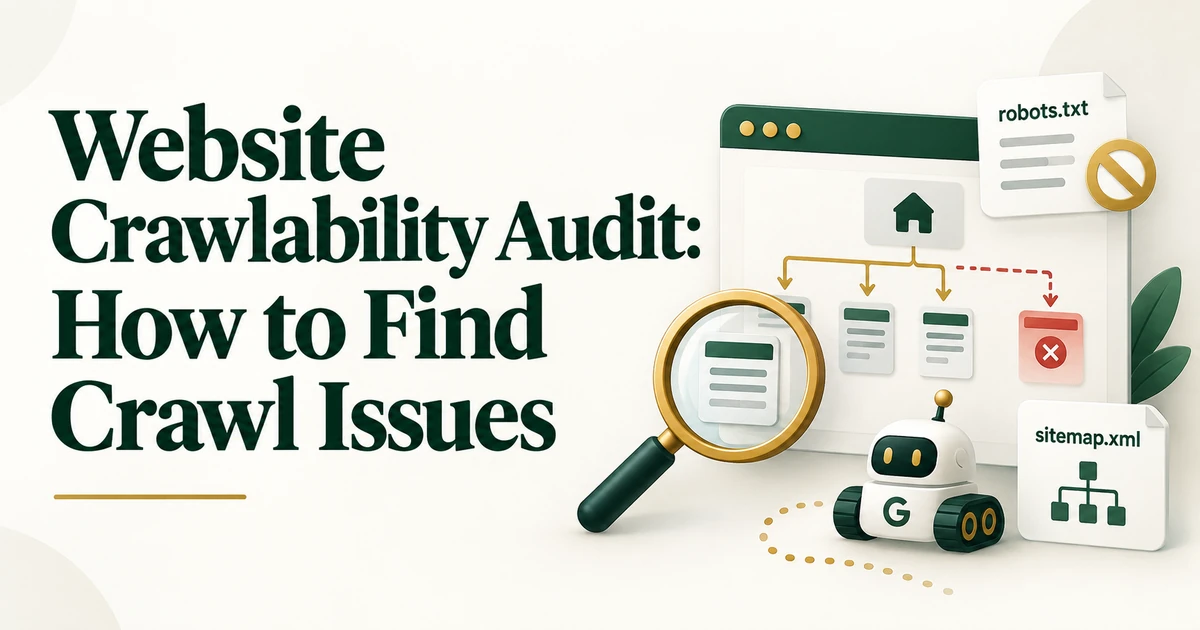
Even though the status is primarily about discovery, verify that robots.txt does not block the URL and that the page will not immediately canonicalize to another unintended URL once crawled. If broader access issues exist, use the website crawlability audit.
Use Request Indexing after confirming that the page is live, crawlable, indexable, canonical, and internally linked. Requesting indexing before those conditions are correct does not solve the underlying discovery problem.
Reinspect the URL after Google has had time to process new signals. A changed status such as discovered, crawled, or indexed confirms that Google now knows the URL. If Google knows the URL but still has not crawled it, move to the dedicated Discovered - currently not indexed workflow.
Treat 'URL is unknown to Google' as a discovery diagnosis. Confirm the exact URL, expose it through crawlable internal links and a clean sitemap, verify technical access, and then monitor how the URL Inspection status changes.
Not necessarily. It means Google has no stored record of the exact URL. Blocking is only one possible cause.
A sitemap helps, but strong internal discovery is also important. The page should be reachable from the site's real architecture.
No. Fix discovery and technical eligibility first. Repeated requests are not a substitute for crawlable links and correct URL signals.