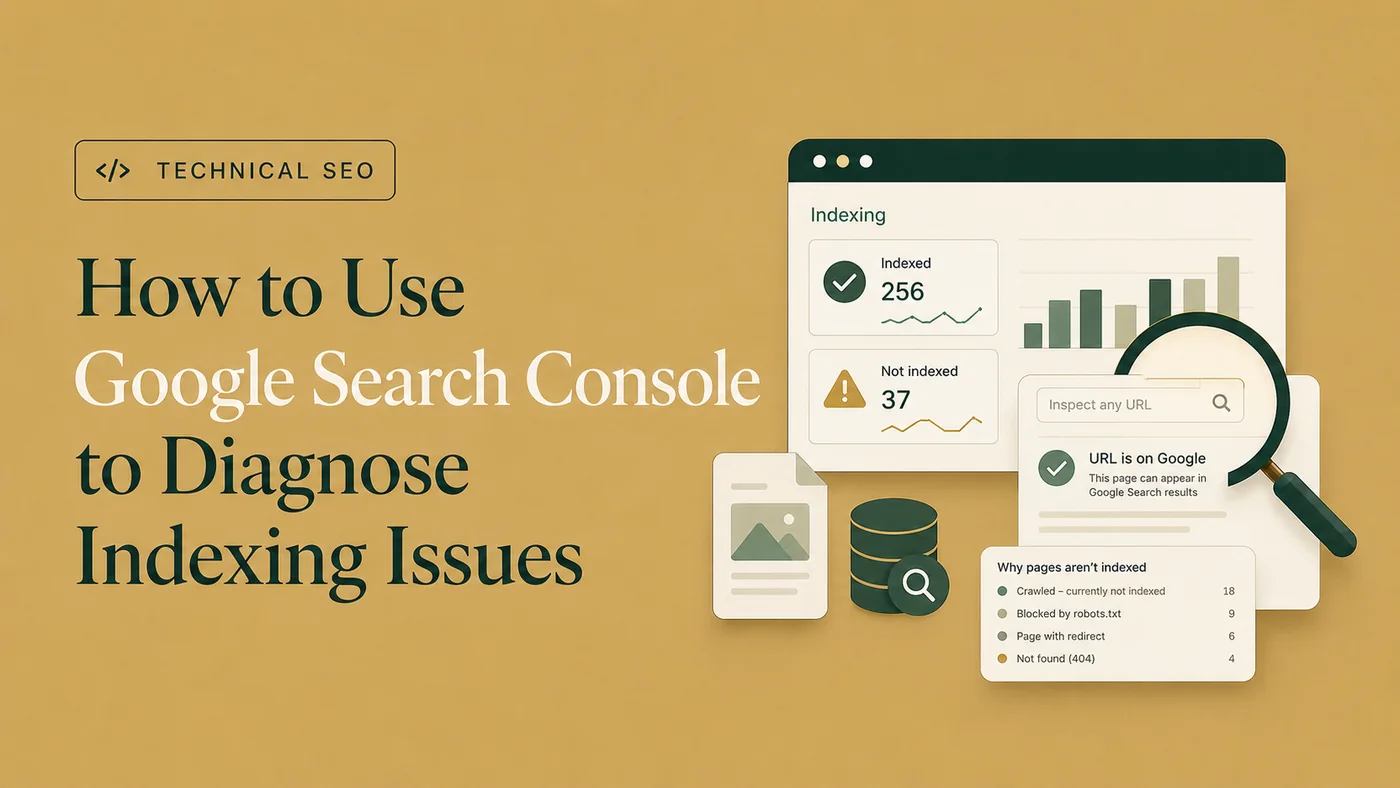
How to Use Google Search Console to Diagnose Indexing Issues
Use Page Indexing and URL Inspection evidence to diagnose important exclusion and indexing patterns.
Read the article →“Discovered – currently not indexed” means Google knows the URL exists but has not crawled it yet. Confirm that the status is current, then investigate internal discovery, crawl priority, URL proliferation, sitemap consistency, and server availability.
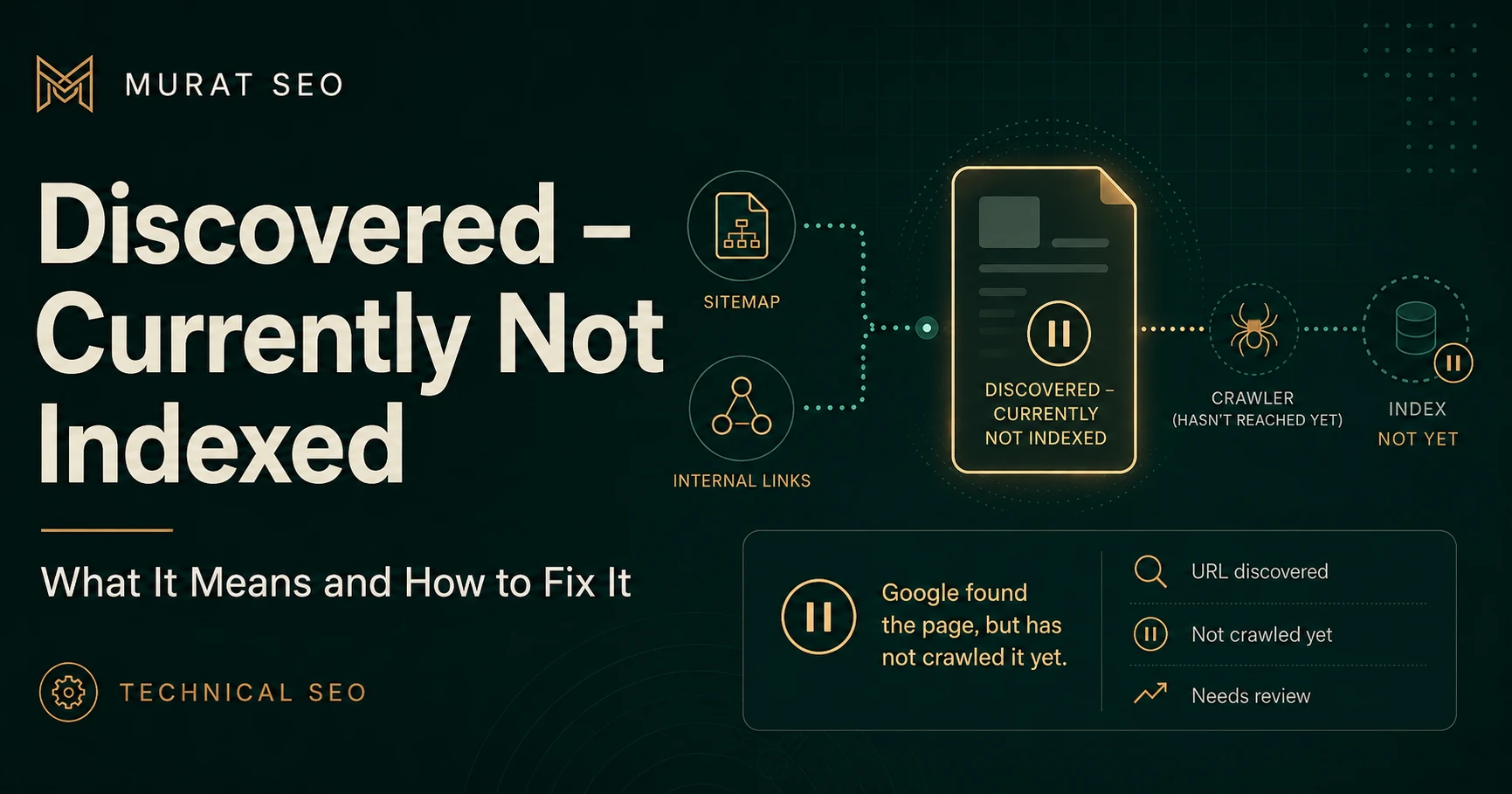
Google Search Console defines this status as a URL that Google found but has not crawled. The report normally shows no last crawl date for the affected URL. See Google’s Page Indexing report documentation .
Use the Page Indexing report and Google Search Console indexing workflow first to confirm that the URL is genuinely discovered but has not yet been crawled.
| Status | What happened | Main area to investigate |
|---|---|---|
| Discovered – currently not indexed | Google found the URL but did not crawl it | Discovery, crawl demand, crawl capacity, and architecture |
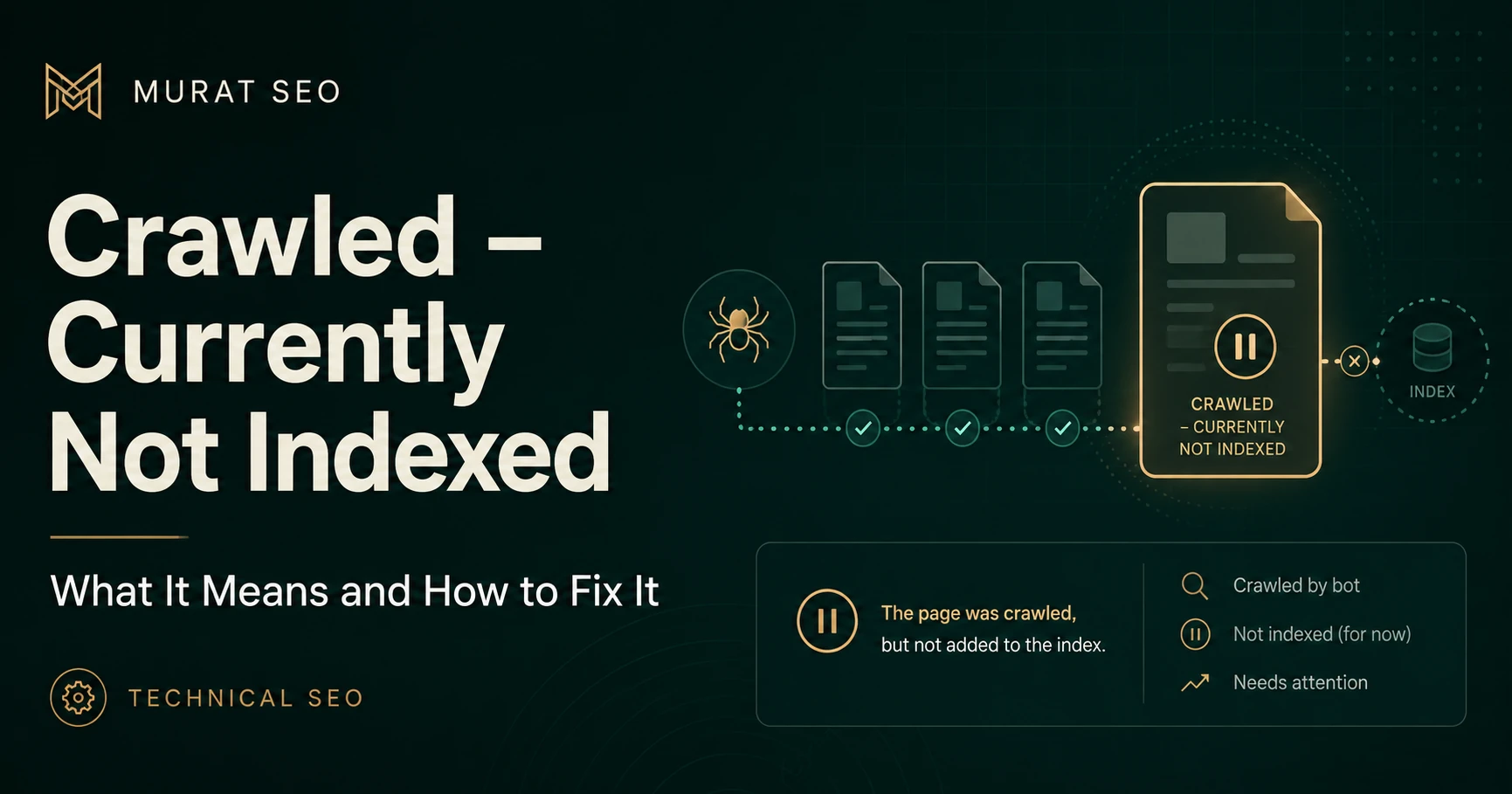
| Crawled – currently not indexed | Google crawled the URL but did not index it | Indexability, canonicalization, duplication, and page value |
Do not apply a Crawled-status content diagnosis before confirming that Google has fetched the page. Start with the Google Search Console indexing workflow and inspect several representative URLs.
Google can learn about URLs through XML sitemaps, internal links, external links, redirects, previously known pages, and automatically generated URL patterns.
Discovery does not necessarily communicate priority. An important page included in a sitemap but absent from normal site navigation may be technically discoverable while appearing poorly integrated into the website.
Check whether the URL:
A sitemap can introduce a page to Google, but it should not be the only part of the website willing to acknowledge that the page exists.
Internal links help Google discover pages and understand their relationship to the rest of the site. Review both the number and relevance of links rather than creating arbitrary sitewide links. For a focused next step, review internal linking audit.
An important page should normally receive links from:
Also review crawl depth. A useful page buried behind archives, filters, or pagination may be harder to prioritize than a clearly linked page.
Large inventories of low-value URLs can make crawling less efficient. Common sources include:
Google’s URL structure guidance warns that exposing many unnecessary URLs can increase crawler requests and make it harder to retrieve useful content efficiently.
For a small site with a clean URL inventory, “crawl budget” is often too grand an explanation. Check architecture, linking, sitemaps, and technical accessibility first. For a large ecommerce, publishing, or directory site, log analysis and Crawl Stats may be justified.
I review Search Console, crawlability, canonicals, robots directives, sitemaps, internal links, and page signals to identify the actual indexing blocker.
Google’s ability to crawl is partly constrained by host availability and response performance. Investigate whether Googlebot encounters:
5xx
server errors
Use Crawl Stats to look for changes in host status and response patterns. Server logs can provide URL-level evidence of whether Googlebot requested particular pages. Google’s crawl troubleshooting guidance provides a broader framework for availability and crawl-efficiency problems.
Faster hosting will not make every URL valuable, but unreliable delivery can delay crawling of important pages.
| Situation | Recommended action |
|---|---|
| A few recently published, well-linked URLs | Wait and monitor |
| Important pages have weak internal links | Add relevant links from hubs and indexed pages |
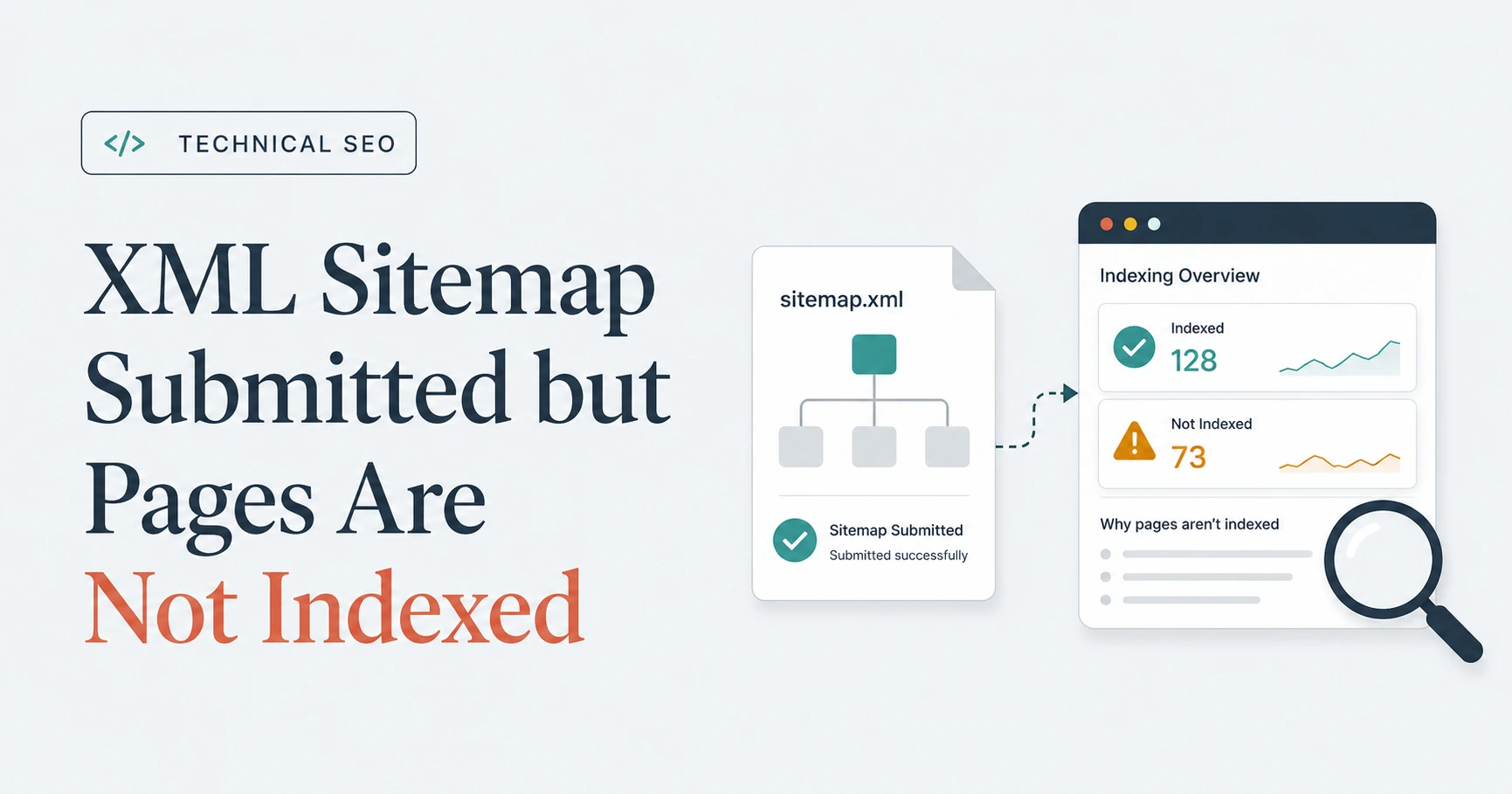
| Sitemap contains obsolete or inconsistent URLs | Clean and regenerate the sitemap |
| Generated URLs create crawl traps | Reduce or control URL proliferation |
| Host failures affect Googlebot | Resolve availability and capacity problems |
| Large site shows inefficient crawl allocation | Review logs, Crawl Stats, and URL inventory |
Request Indexing can help with a small number of important URLs after the underlying discovery and accessibility signals are sound. Repeated requests do not repair weak architecture or a site producing thousands of unnecessary crawl paths.
“Discovered – currently not indexed” is not proof of poor content, and it does not automatically mean the site has a crawl-budget crisis. It means Google knows the URL but has not crawled it yet.
Confirm the status, strengthen internal discovery, maintain a clean sitemap, control unnecessary URL generation, and verify host reliability. Then monitor whether Google begins crawling the important canonical pages rather than trying to force every available URL into the queue.
Clear diagnosis, practical fixes, and excellent communication.
Verified Upwork feedback