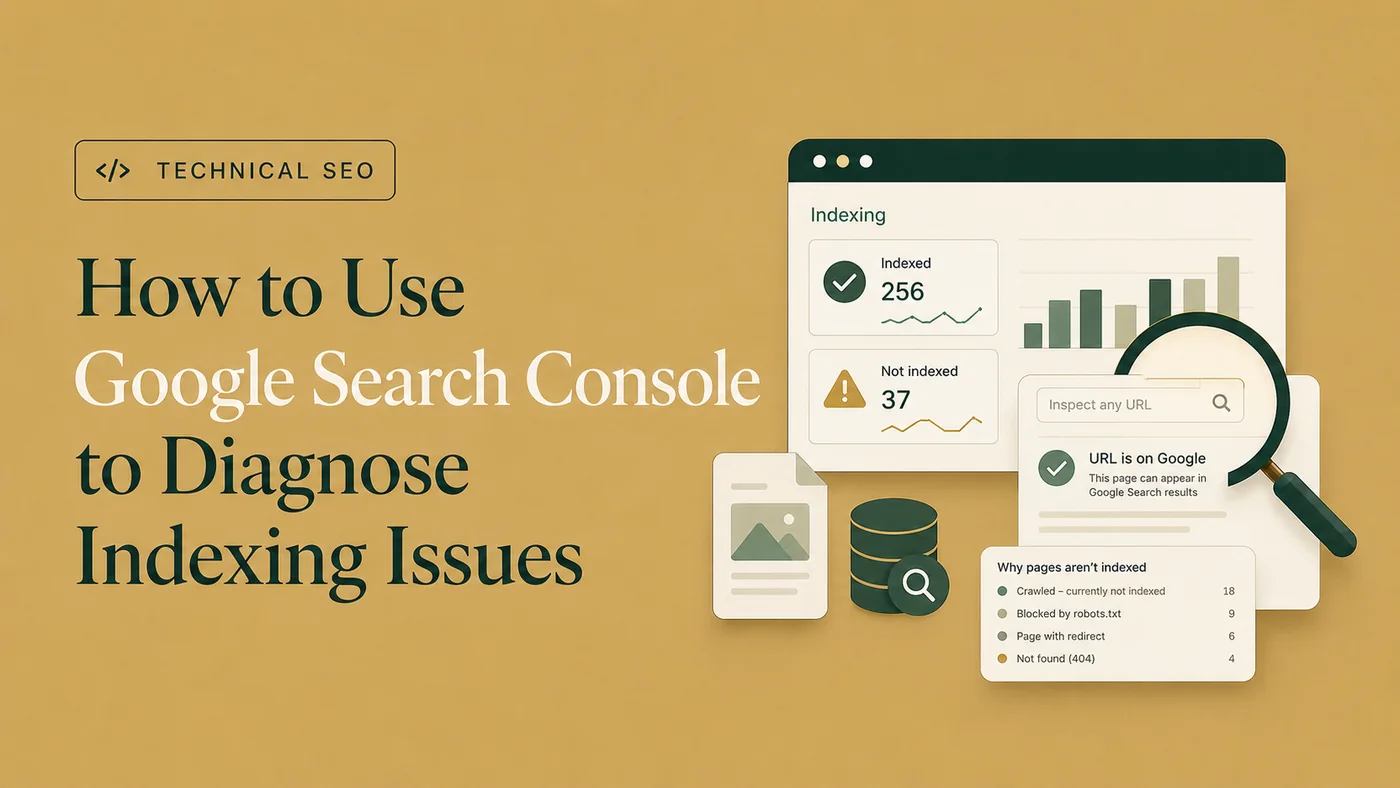
How to Use Google Search Console to Diagnose Indexing Issues
Use Page Indexing and URL Inspection evidence to diagnose important exclusion and indexing patterns.
Read the article →“Crawled – currently not indexed” means Google visited the URL but did not add it to the index at that time. Confirm the page’s current technical signals first, then evaluate whether it deserves a separate indexed result.
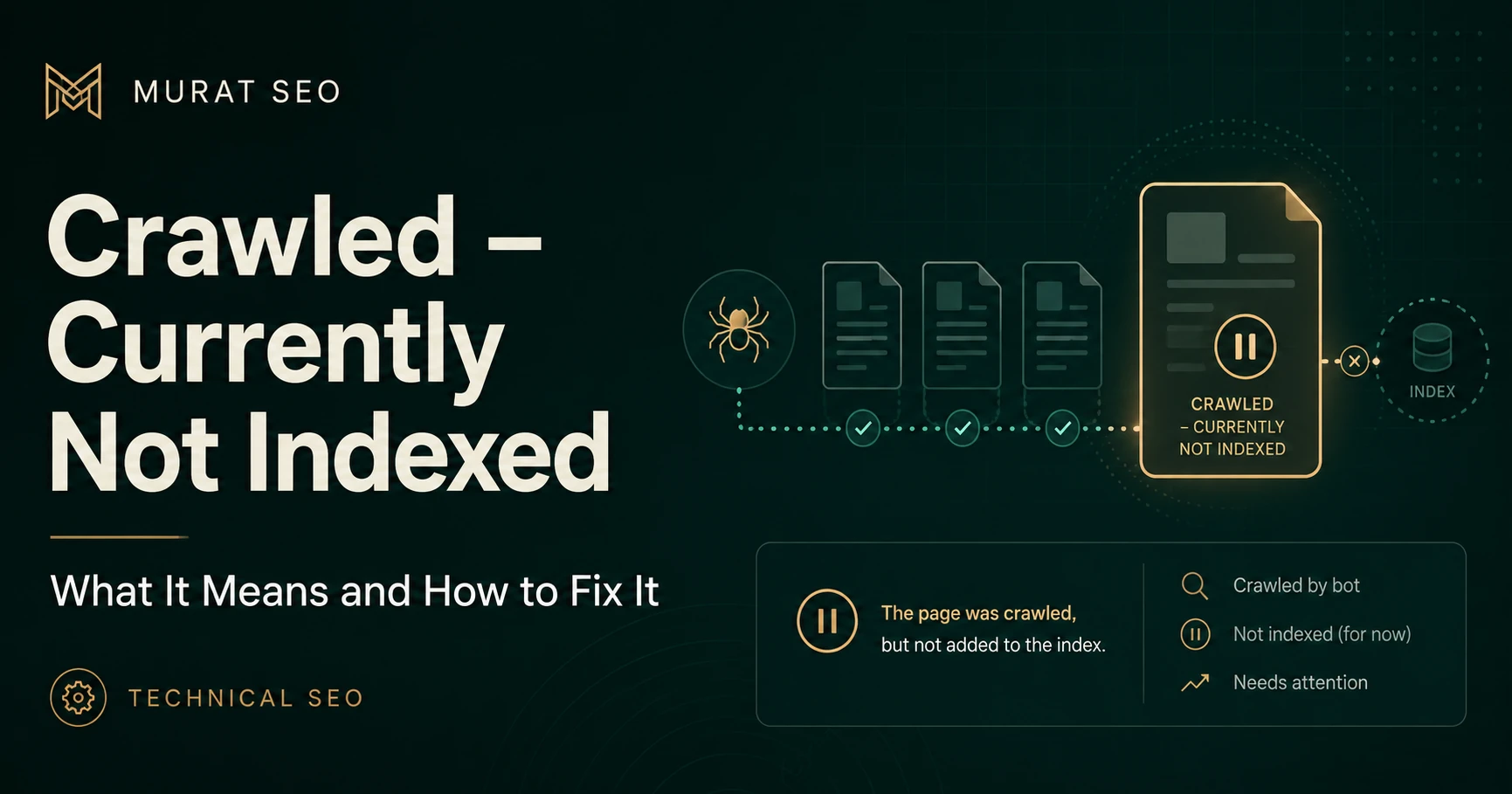
Seeing this status can be frustrating because Google has already completed the crawl. The crawler arrived, looked around, and left without putting the page on the guest list.
Google defines the status narrowly: the page was crawled but not indexed, it may or may not be indexed later, and there is no need to resubmit the unchanged URL for crawling. See Google’s Page Indexing report documentation .
Before evaluating content quality or duplication, confirm the URL’s current crawl, indexability, canonical, and live-test signals through the complete Google Search Console indexing diagnosis workflow .
The distinction is straightforward:
| Status | What Google has done | Main diagnostic focus |
|---|---|---|
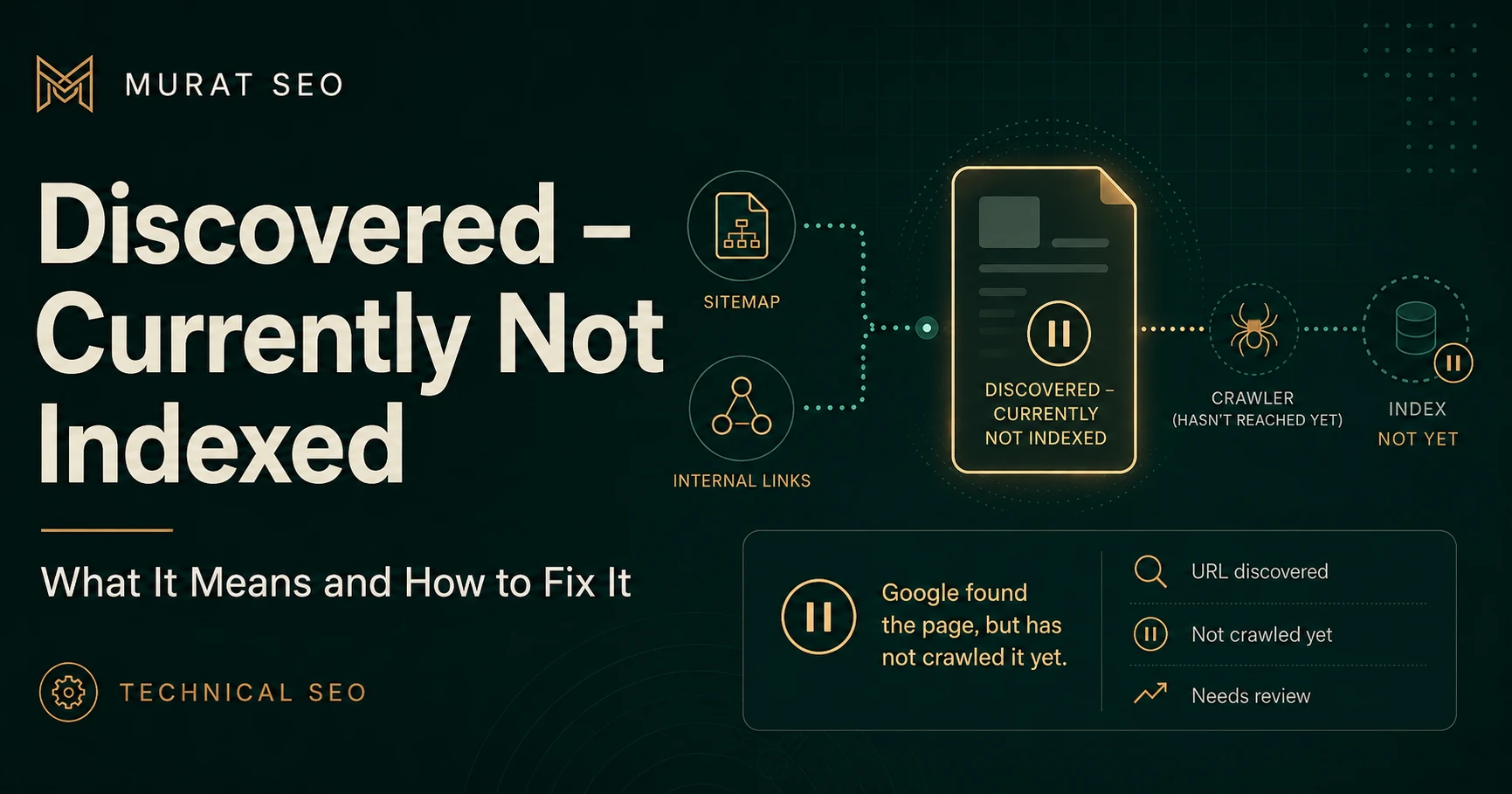
| Discovered – currently not indexed | Found the URL but has not crawled it | Discovery, internal linking, crawl priority, and server capacity |
| Crawled – currently not indexed | Crawled the URL but did not index it | Indexability, rendering, duplication, canonicalization, and independent page value |
Because Google has already crawled the page, this investigation should focus on what Google encountered and whether the URL should remain a separate indexing candidate.
Before rewriting content, use the Google Search Console indexing diagnosis workflow to confirm the URL’s current condition.
Open URL Inspection and review:
Then run Test Live URL. The indexed result describes Google’s stored information, while the live test checks whether the current page appears accessible and potentially indexable. A passing live test does not guarantee indexing or predict which canonical Google will select. See Google’s URL Inspection documentation .
Confirm that the page currently:
200
response
noindex
If one of these checks fails, fix the technical issue before judging the page’s content.
When crawled URLs also appear in sitemap analysis, compare the issue with sitemap submitted but pages not indexed. If Google is consolidating signals elsewhere, review the page’s canonical signals.
A technical problem prevents Google from receiving or interpreting the intended page correctly. Examples include a failed response, accidental
noindex
, incorrect canonical, incomplete rendering, or an empty template.
An indexing decision is different. Google may access the page successfully but not select that URL for indexing at that time. Search Console does not provide a single field explaining the reason, so the page must be evaluated in context.
Compare the affected URL with indexed pages serving a similar purpose. Ask:
Adding more words without resolving overlap or clarifying the page’s purpose is unlikely to be useful. Word count is not a substitute for independent value.
I review Search Console, crawlability, canonicals, robots directives, sitemaps, internal links, and page signals to identify the actual indexing blocker.
| Finding | Recommended action |
|---|---|
| Valuable page with a correctable technical fault | Fix the fault and retest |
| Useful page that is incomplete or poorly differentiated | Improve its substance and purpose |
| Two pages target the same need | Consolidate the strongest material |
| Obsolete URL with a relevant replacement | Redirect it |
| Low-value URL with no replacement | Remove it and return the appropriate response |
| New, sound, distinctive page | Keep it linked and monitor it |
Keep the URL in the XML sitemap only when it is the canonical version you genuinely want indexed. Add contextual links from relevant indexed pages rather than relying on sitemap inclusion alone.
Request Indexing is appropriate after a meaningful correction to a small number of important URLs. It is a recrawl request, not a fix or an indexing guarantee.
Before requesting indexing:
Then monitor the last crawl date and indexing status. If many pages from the same template share the problem, investigate the template first. Editing URLs individually would treat the symptom while leaving the cause comfortably in place.
“Crawled – currently not indexed” does not automatically mean the page has a technical error or poor content. It means Google crawled the URL without indexing it at that time.
Confirm the technical signals first. Then evaluate duplication, search-intent overlap, content completeness, canonical consistency, and internal-link strength. The appropriate outcome may be improvement, but it may also be consolidation, redirection, removal, or patient monitoring.
Clear diagnosis, practical fixes, and excellent communication.
Verified Upwork feedback