Website Migration SEO Checklist: Before, During & After
Plan URL mapping, redirects, crawl access, canonical signals, tracking, and post-launch validation.
Read the article →Use canonical tags to identify the preferred URL among duplicate or highly similar pages, then reinforce that preference with consistent internal links, sitemaps, redirects, hreflang, and valid indexable canonical targets.
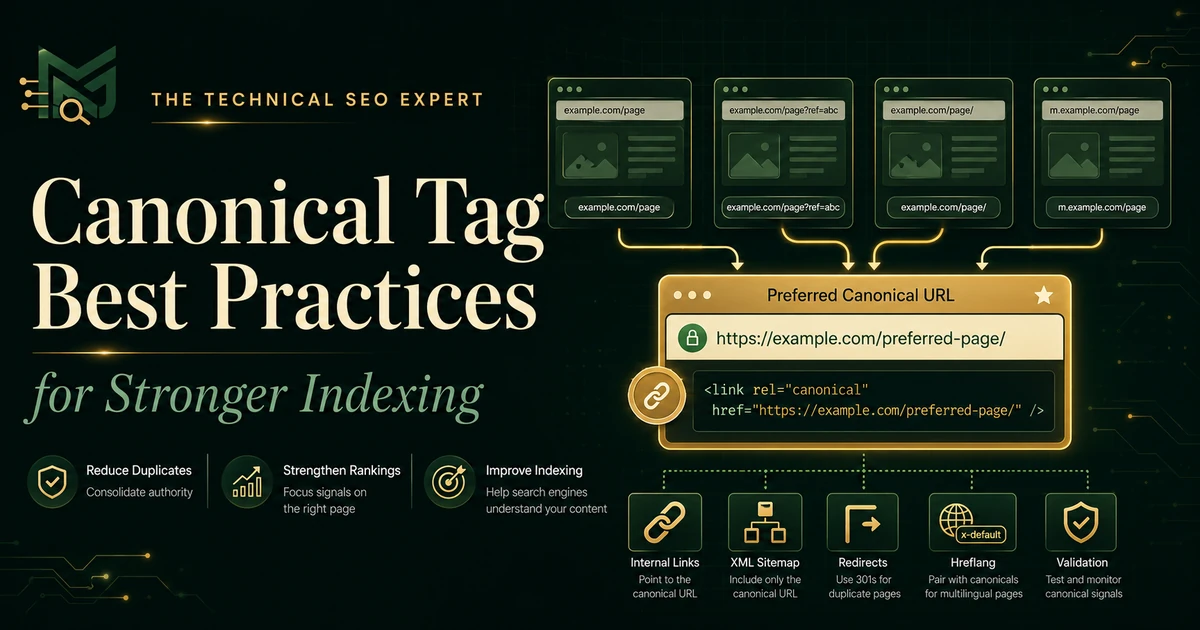
rel="canonical"
declaration in the HTML
<head>
, using self-referencing canonicals on preferred indexable pages where appropriate.
A canonical tag is sometimes treated as a small piece of HTML with unusually large powers. Add one line, point it at the preferred page, and expect search engines to settle the matter without further discussion.
Unfortunately, the rest of the website also gets a vote.
A canonical tag helps identify the URL you prefer search engines to treat as the representative version of duplicate or highly similar content. It is a strong signal, but it is not an absolute instruction. Redirects, internal links, XML sitemaps, hreflang annotations, URL consistency, and the similarity of the pages can all influence canonical selection.
Correct implementation therefore requires more than adding the tag. Choose an appropriate canonical target, declare it consistently, align the supporting signals, and verify what search engines actually see.
A canonical tag is an HTML link element that identifies the preferred URL for a page when the same or substantially similar content is available through multiple URLs.
A typical canonical tag looks like this:
<link rel="canonical" href="https://example.com/preferred-page/" />Canonicalization helps search engines group duplicate or near-duplicate URLs and select one representative version for indexing and search results.
Common situations include:
Use a canonical tag when the alternate URLs need to remain accessible but should be treated as versions of the same page.
Do not canonicalize pages merely because they are related. Two service pages, products, articles, or category pages targeting different needs should normally remain separate, even when parts of their content overlap.
A canonical target should be the version you genuinely want search engines and users to encounter.
The preferred URL should normally:
Avoid pointing a canonical tag to a URL that:
noindex
directive
A canonical is not a convenient destination for every low-value page. The alternate and canonical pages should be duplicate or sufficiently similar versions of the same primary content.
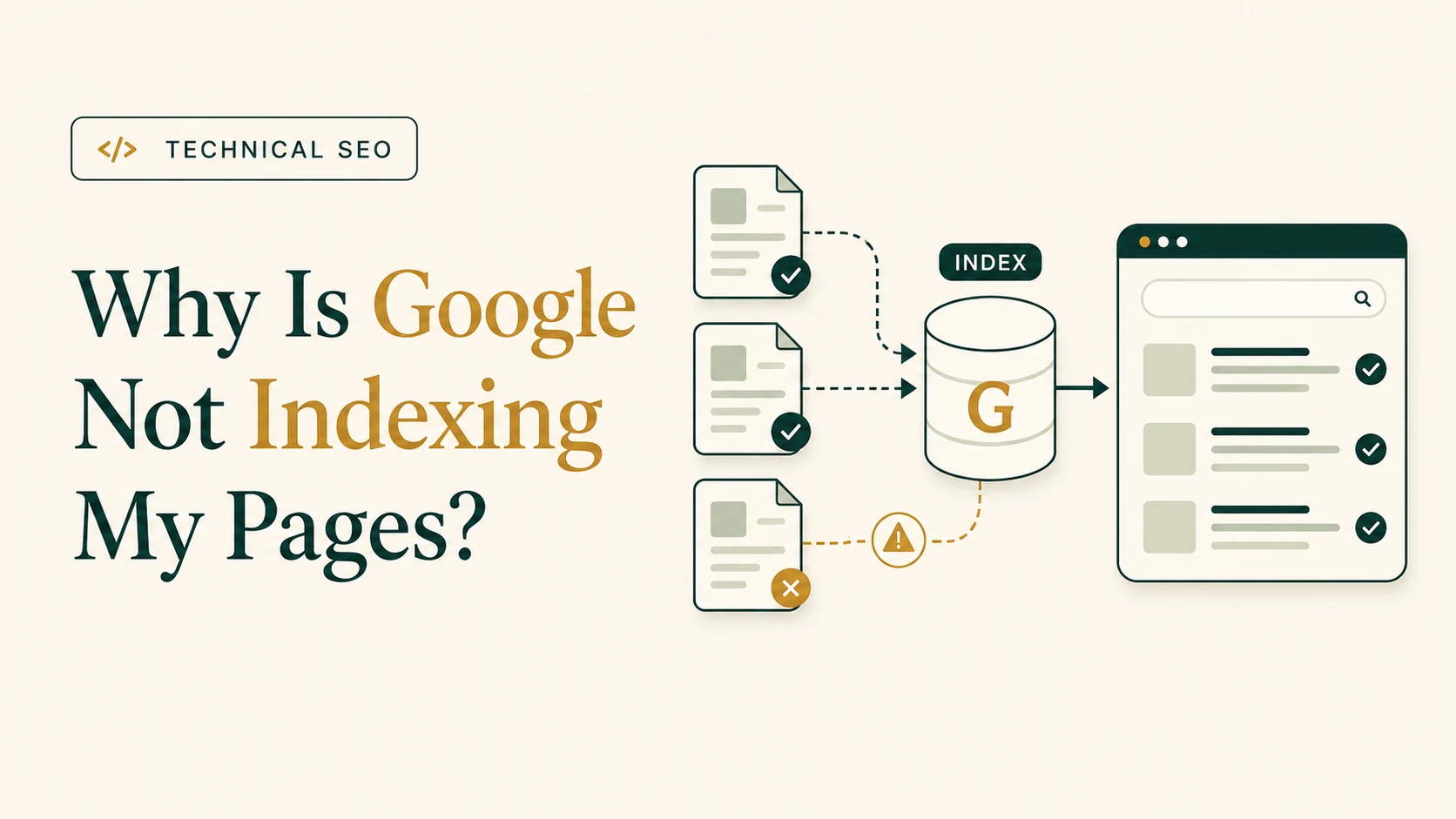
If an important page remains absent from Google, remember that canonicalization is only one possible cause. The broader guide to why Google may not index a page covers crawlability, noindex directives, sitemaps, content, internal links, and other indexing factors.
A self-referencing canonical points from the preferred page back to itself.
For example, the canonical tag on:
https://example.com/services/technical-seo/would be:
<link rel="canonical" href="https://example.com/services/technical-seo/" />Search engines do not require every unique page to contain a self-referencing canonical. However, it is a useful implementation practice for indexable pages because it makes the preferred URL explicit and helps reduce ambiguity created by parameters, tracking URLs, duplicate paths, or inconsistent template behavior.
Self-referencing canonicals are particularly useful when:
The tag must reference the exact preferred format. A self-referencing canonical that uses the wrong protocol, hostname, path, or trailing-slash convention is not truly self-referencing.
Audit the generated HTML rather than assuming the CMS or SEO plugin has handled this correctly.
For an HTML page, place one canonical link element inside the document’s
<head>
:
<head>
  <title>Example Page</title>
  <link rel="canonical" href="https://example.com/preferred-page/" />
</head>Include the full protocol, hostname, path, and preferred trailing-slash format.
Recommended:
<link rel="canonical" href="https://example.com/preferred-page/" />Avoid relying on a relative value:
<link rel="canonical" href="/preferred-page/" />Relative URLs may be processed, but absolute URLs reduce ambiguity and help prevent accidental staging-domain or path-resolution mistakes.
A canonical link element placed in the
<body>
may be ignored. Check the delivered source and rendered HTML, particularly when JavaScript, plugins, or tag-management systems modify page elements.
Do not provide different canonical URLs through:
When several systems manage canonicals independently, they can create a technical committee in which every member submits a different answer.
For resources such as PDFs, a canonical relationship can be declared in the HTTP response header:
Link: <https://example.com/preferred-document/>; rel="canonical"This is useful when the HTML link element is not available.
Canonical tags work best when the website consistently treats the same URL as preferred. For a focused next step, review duplicate without user-selected canonical.
Navigation, breadcrumbs, contextual links, product links, and related-content modules should point directly to the canonical URL.
Linking internally to duplicate URLs while declaring another URL as canonical creates unnecessary conflict and forces crawlers through avoidable alternate paths.
Include canonical, indexable URLs in the XML sitemap. Do not list tracking URLs, redirects, non-canonical duplicates, or URLs carrying
noindex
.
Sitemap inclusion is a supporting signal rather than a replacement for canonical tags or redirects.
Use a permanent redirect when the duplicate URL no longer needs to remain accessible as a separate address.
For example, redirect HTTP to HTTPS or an obsolete URL to its permanent replacement. A canonical tag is more appropriate when alternate versions must remain available to users.
During URL changes, canonicals, redirects, internal links, and sitemaps should all be updated together. The website migration SEO checklist covers when those checks belong in the migration process.
Language or regional URLs should normally use self-referencing canonicals and hreflang references between valid equivalent pages.
Do not canonicalize all translated pages to one language version. That can undermine the purpose of maintaining separate localized URLs.
Apply one preferred convention for HTTPS, WWW or non-WWW, uppercase or lowercase, trailing slashes, default filenames, parameters, and separate mobile or desktop variants where they exist.
The canonical tag should reflect the same convention used by redirects, internal links, and sitemaps.
Get a focused SEO review that identifies the issues, missed opportunities, and priority fixes.
These controls solve different problems.
| Objective | Appropriate method |
|---|---|
| Keep alternate duplicate URLs accessible but consolidate signals | Canonical tag |
| Permanently replace an old or duplicate URL | 301 or 308 redirect |
| Keep a crawlable page out of search results |
noindex
|
| Prevent crawler access to a URL pattern | Robots.txt |
| Remove a deleted page with no replacement | 404 or 410 |
A canonical tag does not redirect users. Visitors can still access the alternate URL.
A redirect changes the destination for users and crawlers. Use it when the old URL is no longer needed.
A
noindex
directive removes the page from indexing eligibility rather than consolidating it with another URL. Do not combine
noindex
with a canonical and expect search engines to choose which instruction you preferred.
Do not point every duplicate, thin, or inconvenient URL to the homepage or another high-authority page.
A canonical should connect duplicate or highly similar content—not pages that merely belong to the same website.
A canonical target should be the final successful URL. Avoid canonical chains such as:
Page A → canonical to Page B → redirects to Page CPoint Page A directly to Page C when Page C is the intended representative version.
SEO plugins, CMS templates, ecommerce extensions, and custom code can each insert canonicals.
Check the complete
<head>
and HTTP response. Multiple identical declarations are unnecessary; conflicting declarations can cause search engines to disregard the preference.
A template error can cause hundreds of pages to canonicalize to the same product, category, article, or staging URL.
Audit canonical patterns across page types, not only a handful of manually selected URLs. One incorrect template rule can create a much larger indexing problem than one incorrect page.
A category page and one featured product are not duplicates. Neither are two service pages targeting different needs.
If both pages should appear independently in search results, they need their own canonical URLs and sufficiently distinct purposes.
Canonicalization can be evaluated before and after rendering. Keep the canonical in the original HTML when possible and ensure JavaScript does not replace it with a different URL.
A canonical tag pointing to one URL while the sitemap and internal links support another gives search engines mixed evidence.
The tag may be correct in isolation while the overall implementation remains unclear.
Use a repeatable validation process.
Confirm that one canonical tag exists, it appears in the
<head>
, the URL is absolute, the target matches the preferred protocol, hostname, path, and slash convention, and JavaScript does not change or duplicate it.
Verify that the target returns 200, allows crawling, permits indexing, does not redirect, contains the expected content, and is not a soft 404.
Use a crawler to identify:
Prioritize issues affecting important templates and many URLs rather than treating every isolated variation as equally urgent.
Check whether the preferred URL is also used in internal links, included in the sitemap, supported by redirects, consistent with hreflang, and using the preferred HTTPS and hostname format.
URL Inspection reports the user-declared canonical and, for indexed data, the Google-selected canonical.
The live test can confirm which canonical Google can currently detect, but it cannot predict which URL Google will ultimately select.
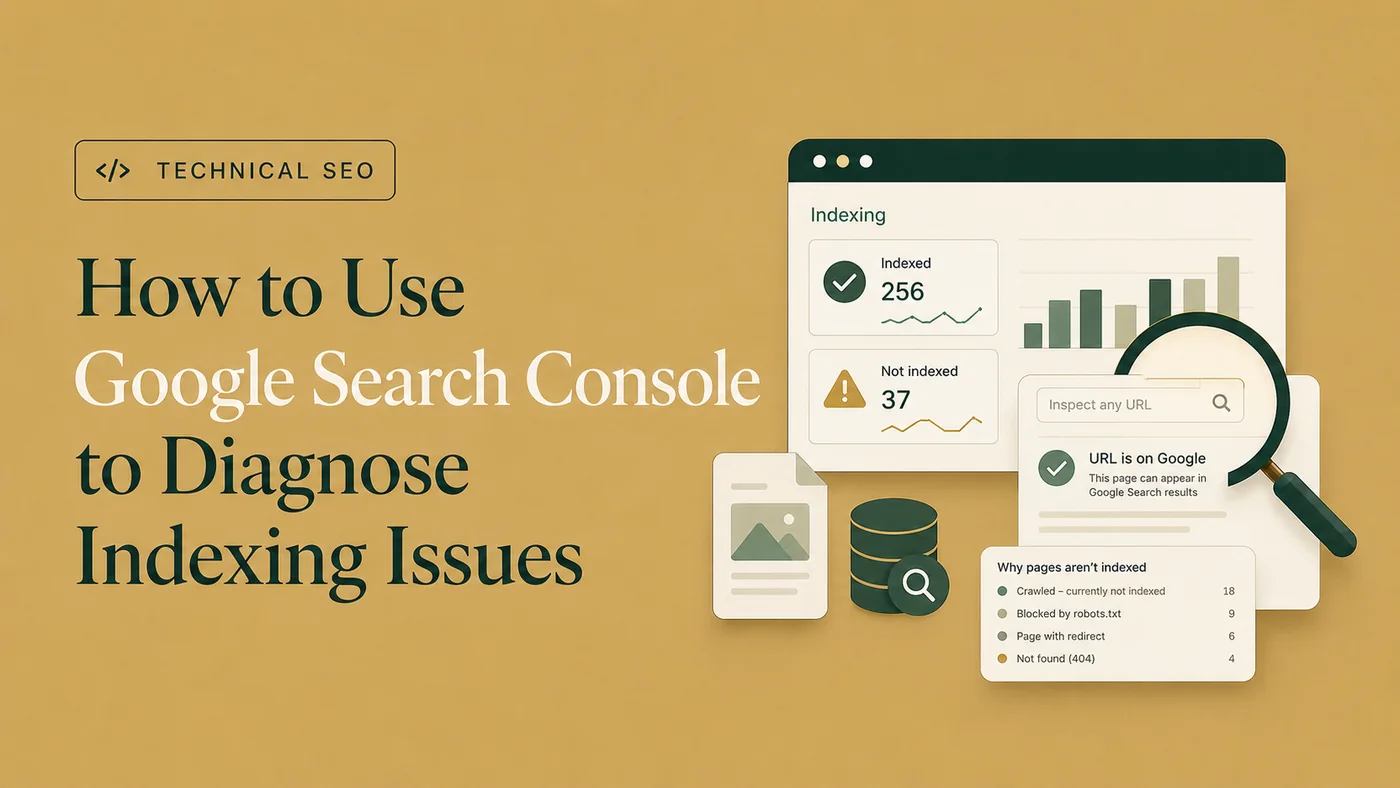
For the complete inspection process, use the guide to diagnosing indexing issues in Google Search Console .
If Google consistently chooses another URL, compare the two pages and their surrounding signals. Canonical annotations communicate preference, but search engines may select another representative when the wider evidence supports it.
Not necessarily, but self-referencing canonicals are a useful best practice for indexable preferred pages. They make the chosen URL explicit and reduce ambiguity from parameters, duplicate paths, and template behavior.
Yes, cross-domain canonicals are supported. However, the pages should be duplicate or highly similar, and the implementation should be deliberate. Cross-domain syndication requires additional consideration beyond normal on-site canonicalization.
It should not. Point the canonical directly to the final successful destination rather than creating a canonical chain through a redirect.
Google may select a different representative URL when other signals or page characteristics support another version. Review content similarity, redirects, internal links, sitemaps, hreflang, URL formats, and rendered canonicals.
No. A canonical tag allows users to access both URLs while indicating a preferred version to search engines. A redirect sends users and crawlers from the old URL to another destination.
Avoid this combination. A canonical target should normally be indexable. A
noindex
directive makes the target ineligible for normal indexing and conflicts with the purpose of selecting it as the representative URL.
Canonical tags work best as part of a consistent URL strategy rather than as isolated HTML.
Choose a stable, accessible, indexable, and representative target. Add one absolute canonical declaration in the HTML
<head>
. Use self-referencing canonicals where they provide clarity, and ensure internal links, sitemaps, redirects, hreflang, and URL formats support the same preferred version.
Then validate the implementation across templates and page groups. Canonical problems are often generated by CMS rules, filters, plugins, and reusable templates, so fixing the source is usually more effective than editing affected pages one by one.
When canonical conflicts affect large URL groups or important pages, Technical SEO audit and implementation support can help identify the pattern, correct the underlying rule, and validate the result.

Clear diagnosis, practical fixes, and excellent communication.
Verified Upwork feedback