How to Find and Fix Technical SEO Issues on Your Website
A practical framework for diagnosing, prioritizing, fixing, and validating technical SEO problems.
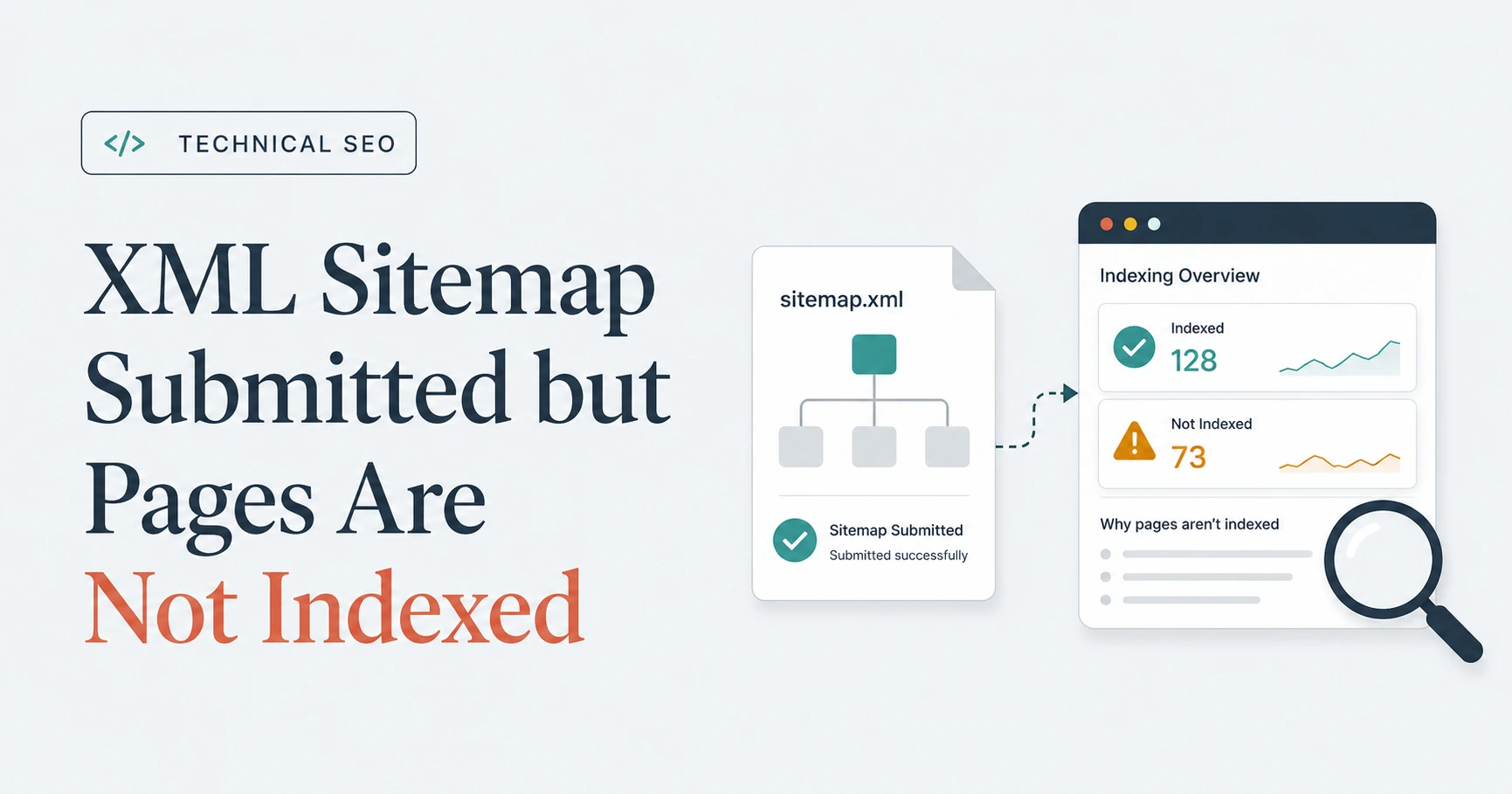
Read the article →A successful sitemap submission means Google could fetch and read the file—not that every listed URL will be indexed. Check the affected URLs in Page Indexing and URL Inspection, then correct crawlability, indexability, canonical, content, or internal-linking problems.
noindex
directives, canonical URL, redirects, content, and internal links.
Seeing Success beside an XML sitemap in Google Search Console feels reassuring. Unfortunately, the reassurance can disappear quickly when the Page Indexing report shows that many—or even all—of the submitted pages remain unindexed.
It is the technical SEO equivalent of receiving confirmation that your application was delivered, then realizing nobody promised it would be approved.
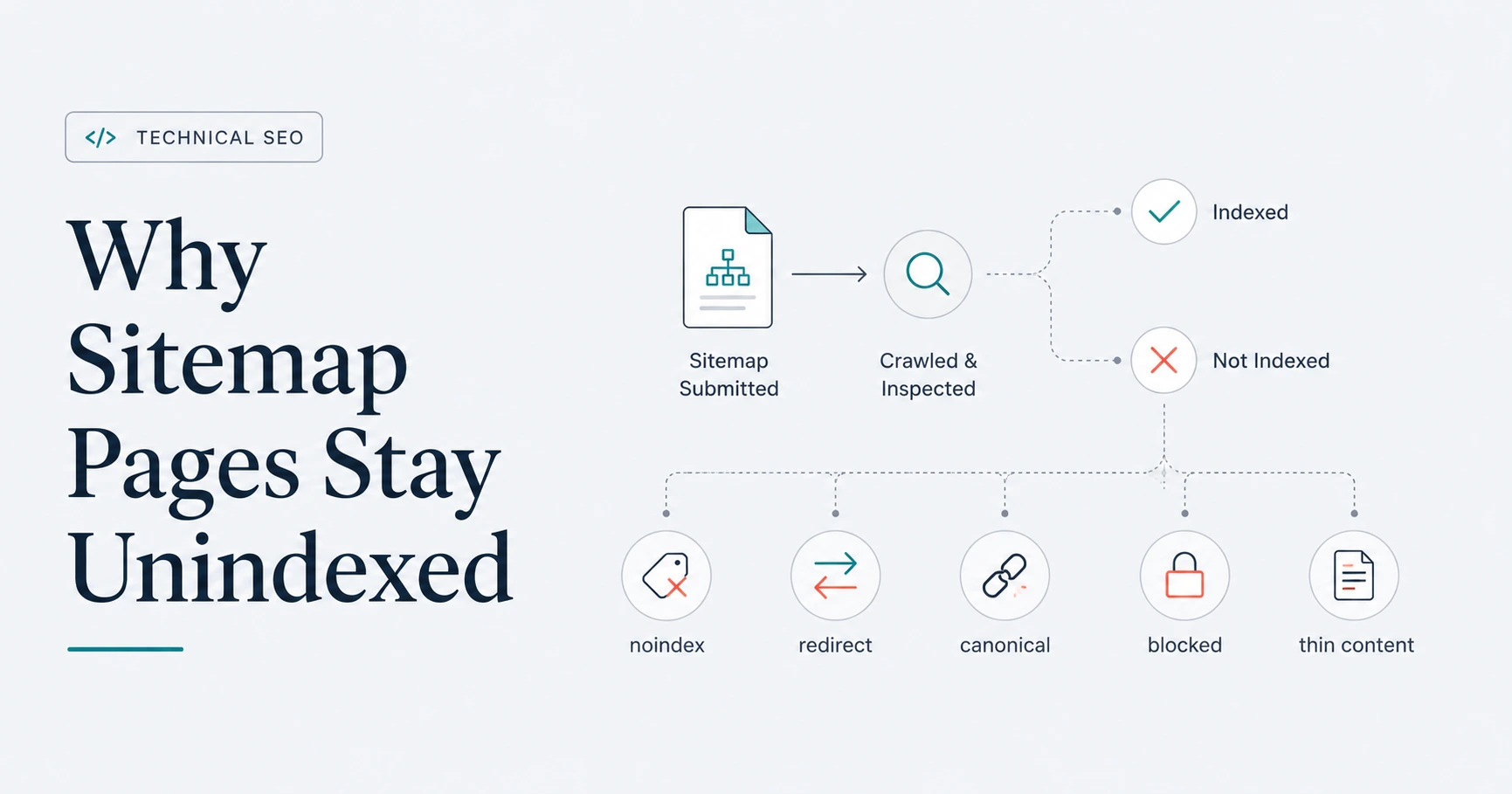
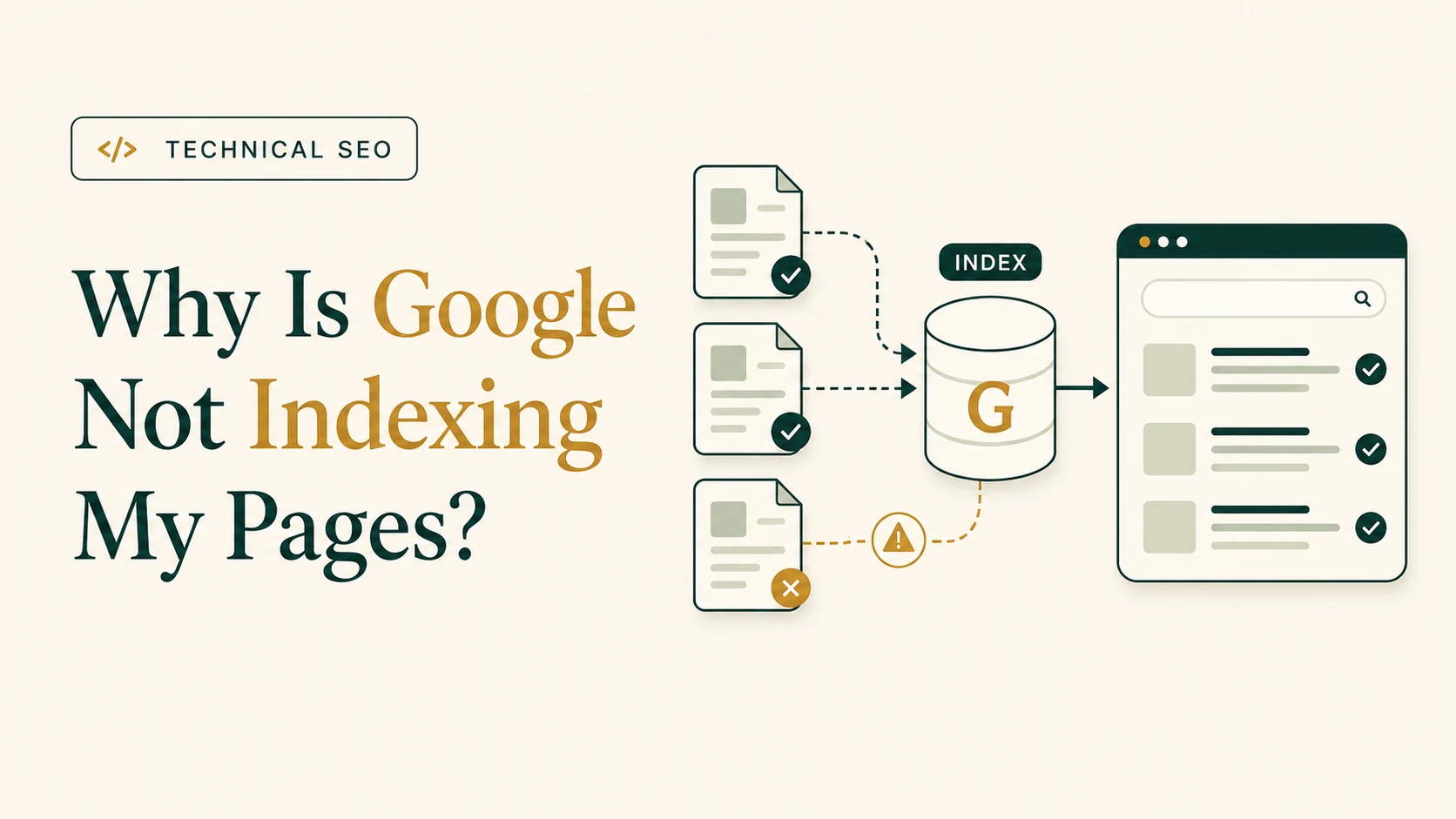
The sitemap may be working exactly as intended. A sitemap helps Google discover your preferred URLs, but discovery, crawling, canonical selection, and indexing are separate stages. A page can therefore appear in a successfully processed sitemap and still remain unindexed because Google has not crawled it, cannot access it, has detected an indexing directive, considers it a duplicate, or has not selected it for inclusion in the index.
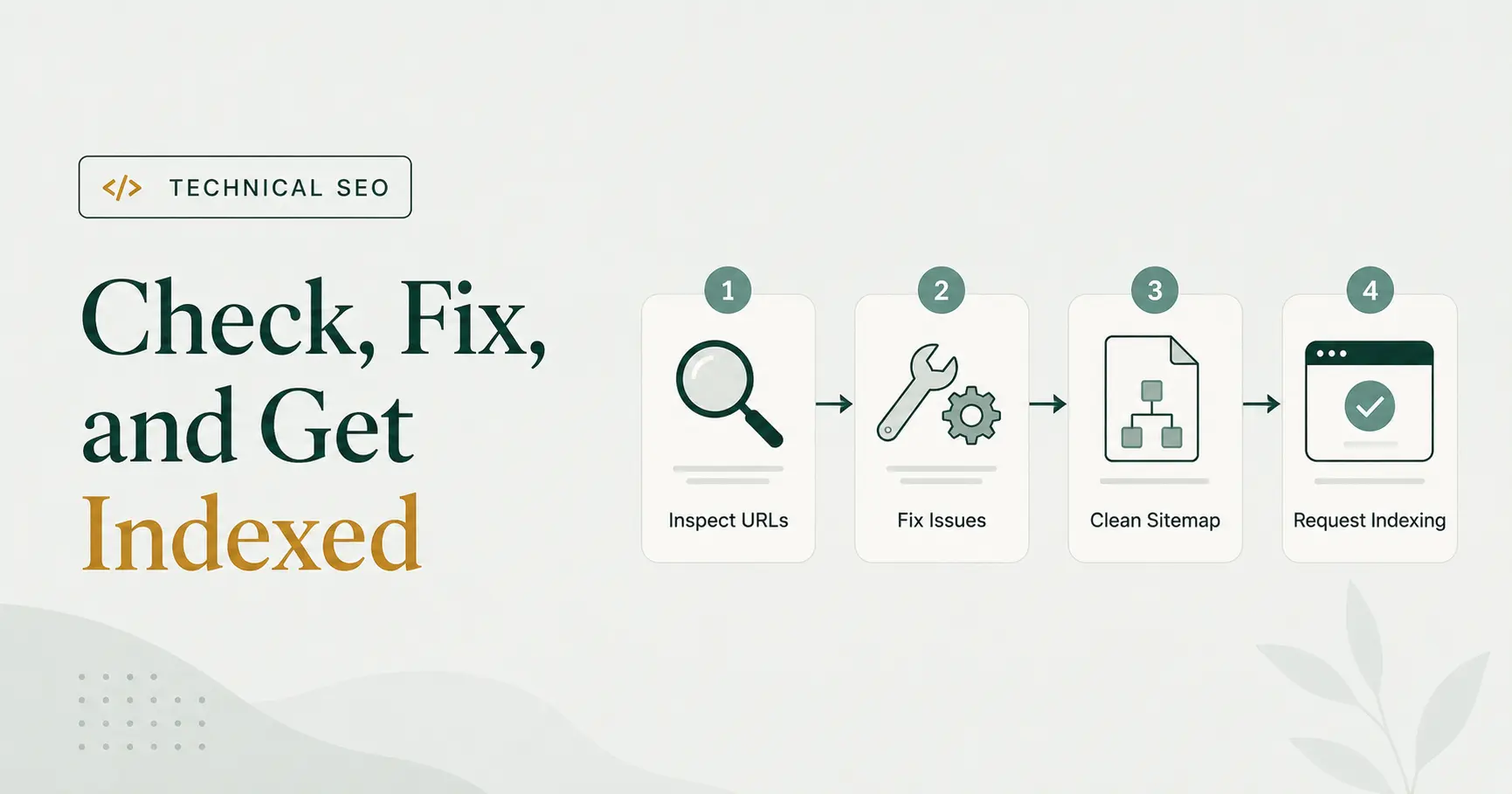
The correct response is not to keep submitting the same sitemap. First determine which submitted URLs are affected, whether they should be indexed, and which Search Console status applies. Then fix the page-level or site-wide cause, update the sitemap where necessary, and allow Google time to process the changes.
In the Google Search Console Sitemaps report, Success means that Google fetched and read the sitemap without a sitemap-level error.
It does not mean that:
The Discovered pages number is also easy to misinterpret. It represents the page URLs Google parsed from the sitemap. It is not an indexed-page count.
A sitemap is therefore better understood as a discovery and canonical-preference signal—not a guaranteed admission ticket to Google’s index.
If the sitemap shows Success and the expected number of discovered URLs, the sitemap file itself is probably not the main problem. The next step is to investigate the submitted pages.
The number of indexed pages will often be lower than the number of URLs found in a sitemap because not every submitted URL is necessarily suitable for indexing.
For example, a sitemap may contain:
noindex
directive
Some of these conditions are genuine mistakes. Others are expected exclusions.
A duplicate URL with a correct canonical pointing to an indexed primary version does not also need to be indexed. Similarly, a redirected URL should normally give way to its destination. The objective is not to force every URL into the index; it is to get the canonical version of every valuable, indexable page indexed.
Before attempting a fix, ask a more useful question:
Is this an important canonical page that should appear in Google Search?
If the answer is no, exclusion may be appropriate. The sitemap should then be corrected so it no longer presents that URL as a preferred indexing candidate.
Start with the affected sitemap in Google Search Console rather than checking random URLs one by one.
Open Indexing → Sitemaps and verify:
If the sitemap cannot be fetched or contains parsing errors, address that problem first. A sitemap that shows Success , however, usually requires page-level investigation.
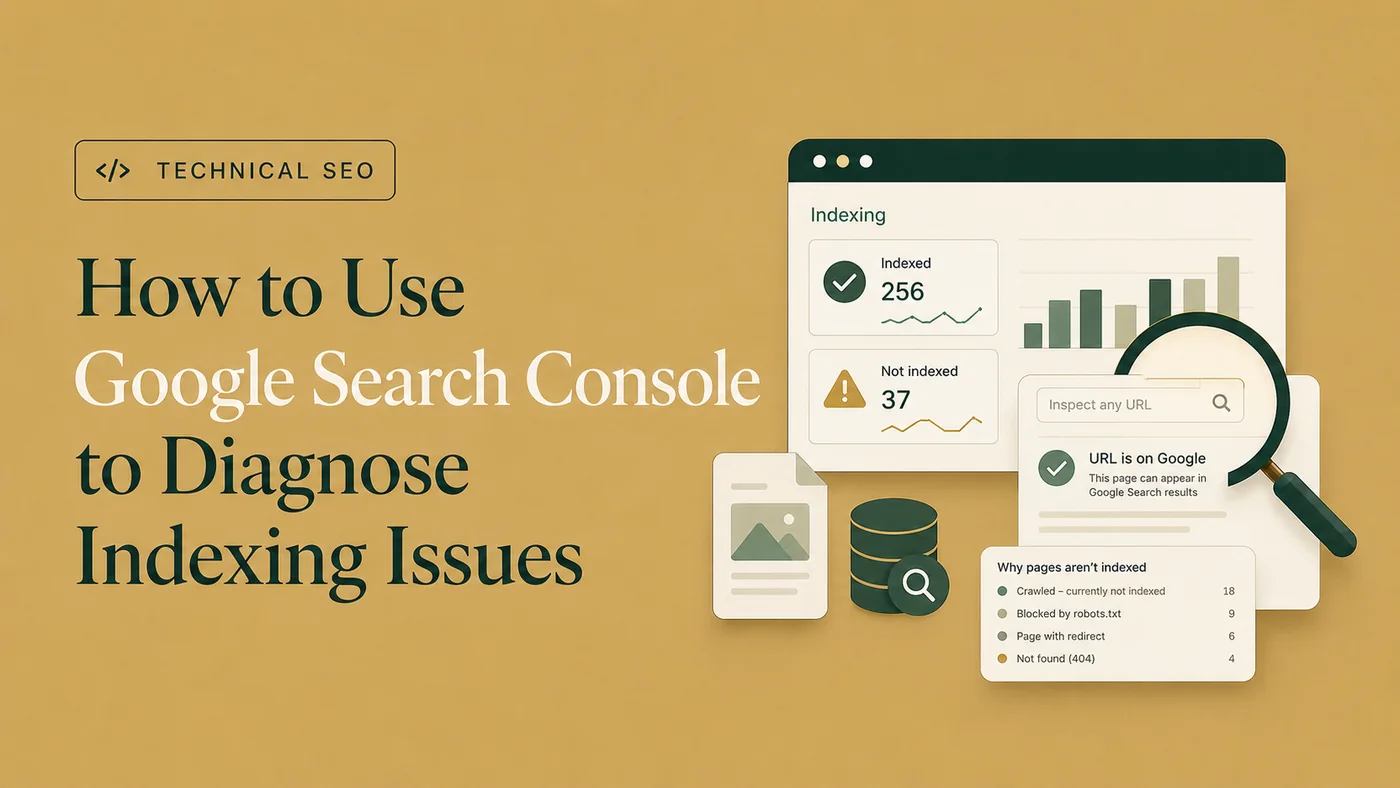
Open Indexing → Pages, select the relevant sitemap where the filtering option is available, and review the reasons under Why pages aren’t indexed. For a focused next step, review Google indexing recovery.
Do not look only at the total unindexed count. Group the URLs by reason, affected template, content type, and business importance.
For example, 500 filtered faceted-navigation URLs may require a different response from five core service pages marked Crawled – currently not indexed.
For a more detailed workflow, see how to diagnose indexing issues in Google Search Console .
Choose representative examples from each important status group and open them in URL Inspection.
Compare:
Then run Test Live URL to check the current version.
The indexed result and live test answer different questions. The indexed result describes what Google knows from its stored version. The live test checks whether the current page appears accessible and potentially indexable now.
A successful live test does not prove that Google will index the page. It may simply show that a previous technical problem has been corrected since Google last crawled it.
Two common Search Console states inside this problem are Crawled – currently not indexed and Discovered – currently not indexed. Diagnose those statuses separately before changing the sitemap.
An intended indexable URL should normally:
A sitemap cannot override a blocked, unavailable, or failing page.
Check for:
Robots.txt
disallow rules
Do not use
robots.txt
as an indexing-control substitute.
Robots.txt
primarily controls crawling. If Google cannot crawl a page, it may be unable to see other instructions placed on that page.
A
noindex
meta robots tag or
X-Robots-Tag
response header tells Google not to index the resource.
If the page is intentionally excluded, remove it from the sitemap.
If the page should be indexed:
noindex
directive.
Submitting a
noindex
URL in a sitemap sends conflicting instructions: the sitemap presents the URL as a preferred page, while the page itself asks not to be indexed.
A redirected URL is not normally the version Google should index. The redirect destination is the indexing candidate.
Replace redirected sitemap entries with their final canonical destinations. Also update internal links so that they point directly to the final URLs rather than requiring search engines to follow old addresses.
The sitemap should describe the current website, not provide a guided tour of its former URLs.
A sitemap provides a canonical signal, but it does not force Google to accept the submitted URL as canonical.
Google may select another URL when it finds:
Inspect the submitted URL and compare the user-declared canonical with the Google-selected canonical.
If Google selected the correct alternative, remove the duplicate URL from the sitemap. If Google selected the wrong URL, investigate the combined signals rather than changing only the sitemap.
The canonical tag, internal links, redirects, sitemap inclusion, hreflang annotations, and page content should support the same preferred URL.
A soft 404 usually returns a successful response while presenting content that resembles an error, empty result, unavailable item, or page with insufficient meaningful information.
Common examples include:
If the resource genuinely no longer exists, return an appropriate 404 or 410 response and remove it from the sitemap.
If the page should exist, restore or strengthen its primary content and verify what Google sees through the rendered live test.
This status means Google knows about the URL but has not crawled it yet.
For a few recently published pages, waiting may be reasonable. For a large or persistent group, check:
The status does not automatically prove a content-quality problem. It does, however, justify reviewing how efficiently the site helps Google find and prioritize its important pages.
This status means Google crawled the page but did not index it at that time. Google may index it later, but simply resubmitting the same unchanged URL is not a meaningful fix.
Review the page alongside comparable indexed pages. Check:
For a fuller explanation of overlapping causes, review the broader reasons why Google may not index a page .
Do not respond by adding arbitrary text until a tool score changes. Determine what the page contributes, whether that contribution is already available elsewhere, and whether the page deserves to exist as a separate search result.
A sitemap can help Google discover a URL, but it does not replace internal linking or coherent site architecture.
An important page should normally be reachable through relevant navigation, category pages, hub pages, or contextual links. A URL that exists only in the sitemap may appear technically available while remaining disconnected from the rest of the website.
A page with no internal links exists, but the website behaves as though the two have never been introduced.
Add useful links from relevant indexed pages using descriptive anchor text. Avoid creating artificial sitewide links merely to increase link counts; the links should make sense to users and clarify the page’s place within the website.
I review Search Console, crawlability, canonicals, robots directives, sitemaps, internal links, and page signals to identify the actual indexing blocker.
A well-maintained sitemap should primarily contain URLs that are:
Use the following guidance:
| URL condition | Keep in sitemap? | Recommended action |
|---|---|---|
| Canonical 200 page intended for indexing | Yes | Keep and maintain |
Page with
noindex
|
No |
Remove unless
noindex
was accidental
|
| Redirected URL | No | Replace it with the final destination |
| Duplicate or alternate non-canonical URL | No | Include the preferred canonical version |
| 404 or 410 URL | No | Remove from the sitemap |
| Soft 404 | Usually no | Restore meaningful content or return the correct status |
| Server-error URL | Not while unresolved | Fix the server problem and verify stability |
| Staging, account, search, or utility page | Usually no | Exclude unless it has a genuine search purpose |
| Discovered or crawled but not indexed canonical page | Potentially | Keep if it is valuable and genuinely intended for indexing |
Do not remove a valuable page merely because it has not been indexed yet. First determine whether the page is technically sound, distinct, useful, canonical, and properly linked.
The right action depends on the condition you find.
Fix the page when:
noindex
directive exists
Update the sitemap when:
noindex
pages, or non-canonical URLs
<lastmod>
values
Only update
<lastmod>
when the page has changed meaningfully. Automatically changing every modification date without a corresponding page update makes the field less useful.
Resubmit the sitemap when:
Google periodically rereads successfully processed sitemaps. Routine page-level fixes do not necessarily require removing and resubmitting the same sitemap.
Use Request Indexing when:
Request Indexing is a recrawl request, not an indexing command. Repeating it for the same unchanged URL does not create a faster queue, however satisfying that might feel.
Wait when:
Waiting is appropriate only after the technical and editorial signals have been checked. “Wait and see” is less useful when hundreds of valuable URLs share the same preventable error.
There is no fixed indexing deadline. Crawling and recrawling can take anywhere from several days to several weeks.
Evaluate progress using:
A recently published page that is clean and internally linked may simply need time. A core commercial page that has remained unindexed for weeks deserves closer inspection, especially when comparable pages are indexed normally.
Avoid using daily site: searches as your primary monitoring method. Search Console provides more useful diagnostic information about the indexed URL, crawl history, canonical selection, and exclusion reason.
Do not begin with the largest URL count automatically. Begin with the pages whose absence creates the greatest business or search-visibility impact.
A practical priority order is:
Then consider:
When the symptoms extend beyond the sitemap, a broader process may be needed to find and fix technical SEO issues across templates, internal links, directives, and canonical signals.
No. An XML sitemap helps Google discover important URLs, but it does not guarantee that Google will crawl or index every submitted page. Each URL must still be accessible, indexable, canonical, and suitable for inclusion in Google’s index.
Success means Google was able to fetch and process the sitemap file. It does not mean that every URL in the sitemap was crawled or indexed. Use the Page Indexing report and URL Inspection to investigate the status of individual pages.
Usually, you do not need to resubmit the sitemap after every page-level fix because Google periodically rereads submitted sitemaps. Resubmit it when the sitemap previously failed, its location changed, or its URL inventory was substantially updated.
There is no fixed indexing timeframe. Google may recrawl a page within several days, but some pages can take several weeks or may not be indexed at all. The timing depends on factors such as crawl demand, site quality, internal linking, server reliability, and the page’s indexing signals.
Generally, no. A sitemap should primarily contain accessible, canonical URLs that return a successful 200 response and are intended for indexing. Redirected,
noindex
, duplicate, error, and non-canonical URLs should normally be removed and replaced with their preferred canonical destinations where applicable.
A successfully submitted XML sitemap confirms that Google could process the file. It does not confirm that every URL inside the sitemap was crawled, selected as canonical, or indexed.
Start by identifying the exact status of the affected URLs. Separate intentional exclusions from genuine problems, inspect important examples, and correct conflicting crawlability, indexability, canonical, response, content, and internal-linking signals.
Keep the sitemap limited to current canonical URLs that are genuinely intended for indexing. Request indexing selectively after meaningful fixes, resubmit the sitemap when the file itself has changed substantially or previously failed, and otherwise allow time for recrawling.
When large groups of important pages remain unindexed or several signals conflict, Technical SEO audit and implementation support can help distinguish sitemap symptoms from the underlying site-wide cause.

Clear diagnosis, practical fixes, and excellent communication.
Verified Upwork feedback