Website Crawlability Audit
Audit website crawlability to find robots.txt blocks, server failures, orphan URLs, crawl traps, weak crawl paths, and other issues that prevent Googlebot from reaching important pages.
Read the guide →A website indexability audit identifies crawlable URLs that cannot or should not be indexed because of noindex directives, redirects, errors, soft 404s, canonicalization, or duplicate signals. Separate crawler access from indexing eligibility and prioritize business-critical URLs.
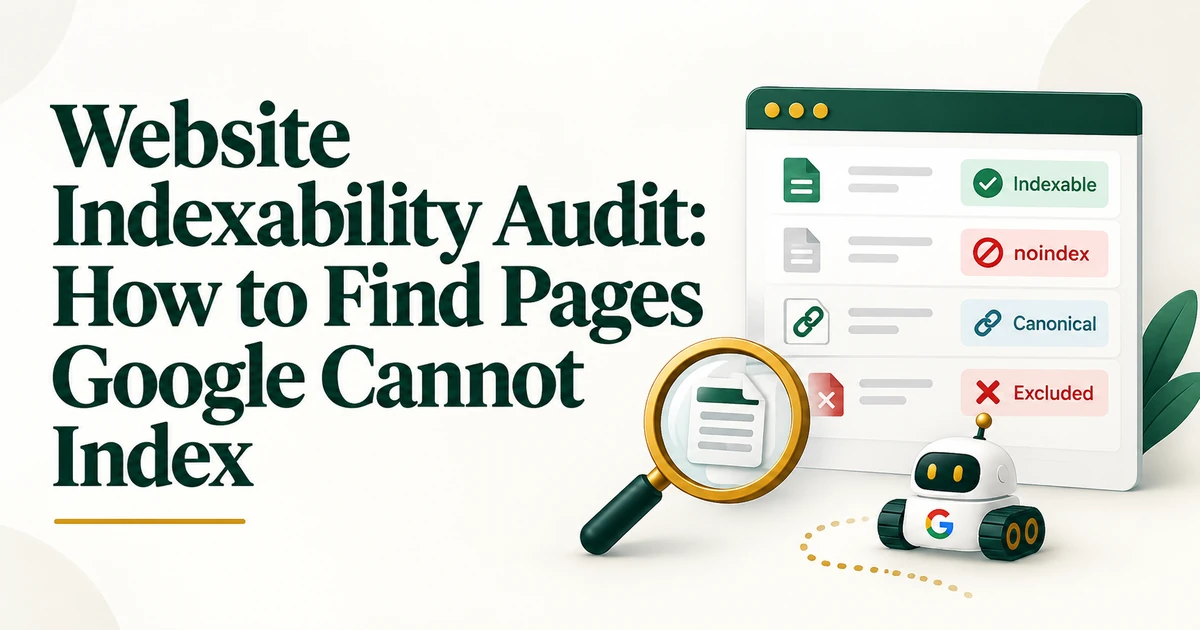
A URL can be perfectly crawlable and still be a poor or impossible indexing candidate. That is why indexability deserves its own diagnostic layer.
The purpose of a website indexability audit is to find pages that Google can access but cannot index, should not index, or is unlikely to select because another URL carries stronger canonical signals.
An indexability audit reviews the technical signals that determine whether a URL is eligible to enter Google's index and whether it is likely to be selected as the representative version of its content. Typical evidence includes meta robots, X-Robots-Tag headers, HTTP status codes, canonical tags, redirects, duplicate URL patterns, XML sitemaps, internal links, Page indexing data, and URL Inspection.
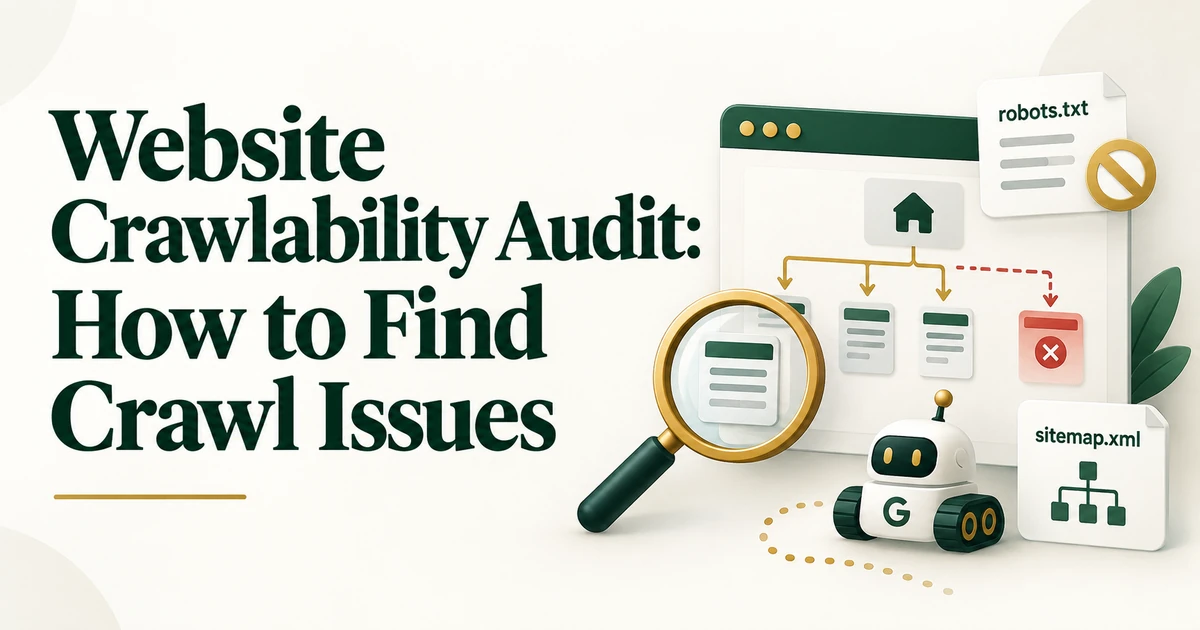
First confirm that the URL can be crawled. A robots.txt block, firewall restriction, or server failure is a crawlability problem. Once access is confirmed, evaluate whether the page is indexable. Use the website crawlability audit when access itself is uncertain.
Crawl representative templates and extract meta robots directives and response headers. Look for accidental noindex on service, product, category, article, or location templates, especially after staging launches or CMS changes. Check both HTML and HTTP headers.
A redirecting URL is not the final indexing candidate. Group 3xx URLs and inspect their destinations. Also identify 4xx, 5xx, and soft 404 patterns where pages return 200 but behave like missing or empty pages. Priority URLs intended for indexing should normally resolve directly to useful 200 pages.
For representative URLs, compare the user-declared canonical with the Google-selected canonical in URL Inspection. A difference is not automatically wrong, but it is a signal to investigate.
If Google selects another URL, inspect content similarity, internal links, sitemap URLs, redirects, host/protocol variants, and canonical consistency. The canonical tag best practices guide covers implementation in more depth.
Group duplicate URL patterns such as parameters, HTTP/HTTPS variants, www/non-www, trailing slash differences, filter pages, alternate paths, and CMS-generated duplicates. Then decide which URL should be indexable and which should be consolidated. For a focused next step, review Duplicate without user-selected canonical.
Preferred indexable URLs should receive consistent support. Compare canonical tags, sitemap inclusion, and internal links. If the sitemap lists one URL while navigation and contextual links repeatedly use another, the site is sending mixed signals.
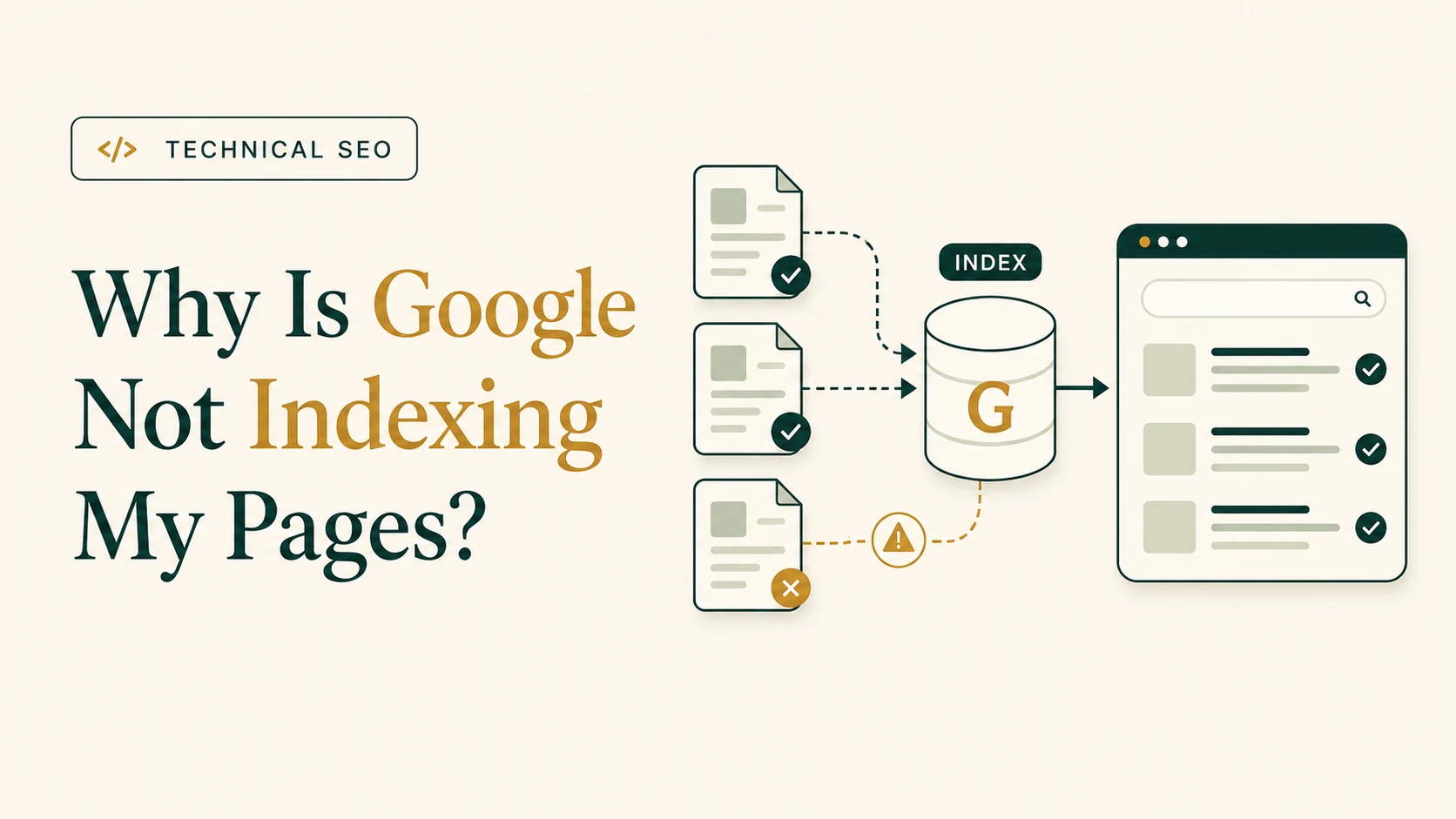
The Page indexing report helps identify patterns across the site. URL Inspection helps diagnose an individual URL's crawl result, indexing permission, canonical selection, and current live state. For broader troubleshooting, use why Google is not indexing pages.
Do not optimize for the largest indexed-page count. Prioritize URLs with a real search purpose and business value. A noindexed thank-you page may be intentional; a noindexed primary service page is not. After fixes, recrawl, recheck headers and canonicals, and inspect representative high-value URLs.
A strong indexability audit separates technical eligibility from business intent. Identify the URLs that should be indexed, find the directives or consolidation signals preventing that outcome, and validate the preferred URL set after changes.
Yes. A 200 page can contain noindex, canonicalize elsewhere, behave like a soft 404, or be treated as a duplicate.
No. It becomes a problem when Google selects an unintended representative URL. The audit should determine whether the choice is acceptable or whether site signals need alignment.
No. Many crawlable URLs have no independent search value. Indexability decisions should follow page purpose, duplication, and search intent.

For template-driven inventories, use Programmatic SEO indexing quality gates to separate generated URLs from eligible search pages.