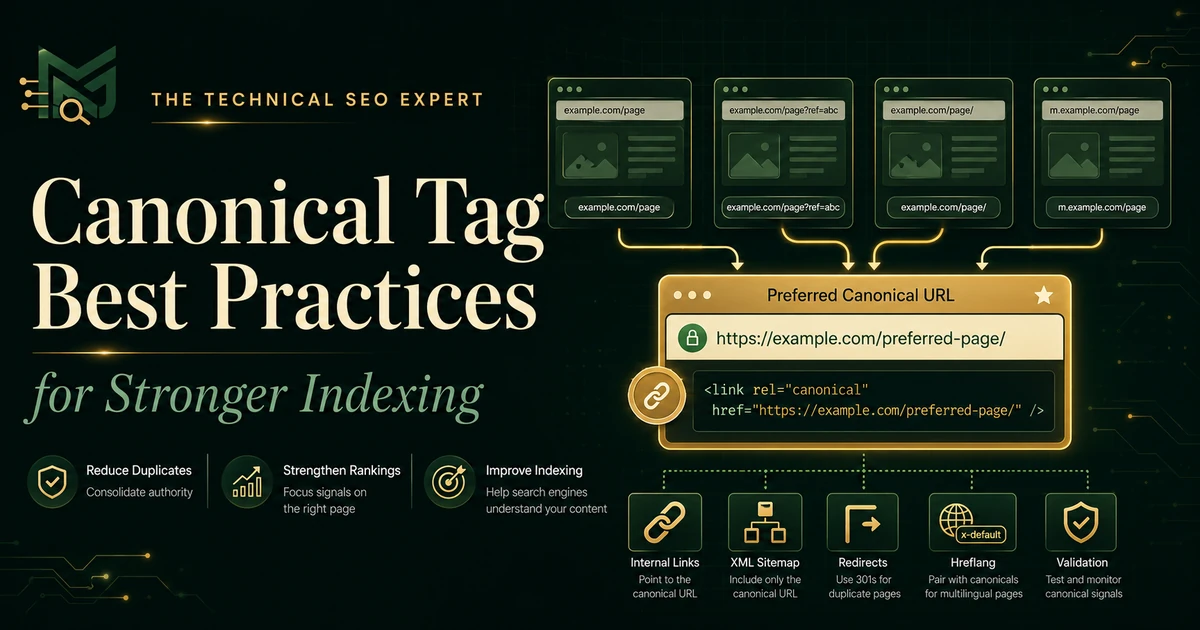
Canonical Tag Best Practices
Learn how to choose, implement, support, and validate canonical tags while avoiding redirects, noindex targets, duplicate tags, and conflicting URL signals.
Read the guide →'Duplicate without user-selected canonical' means Google found this URL to be a duplicate and selected another URL as canonical because you did not declare a preferred canonical for this duplicate. It can be normal when Google's choice is correct; investigate when the wrong URL is selected.
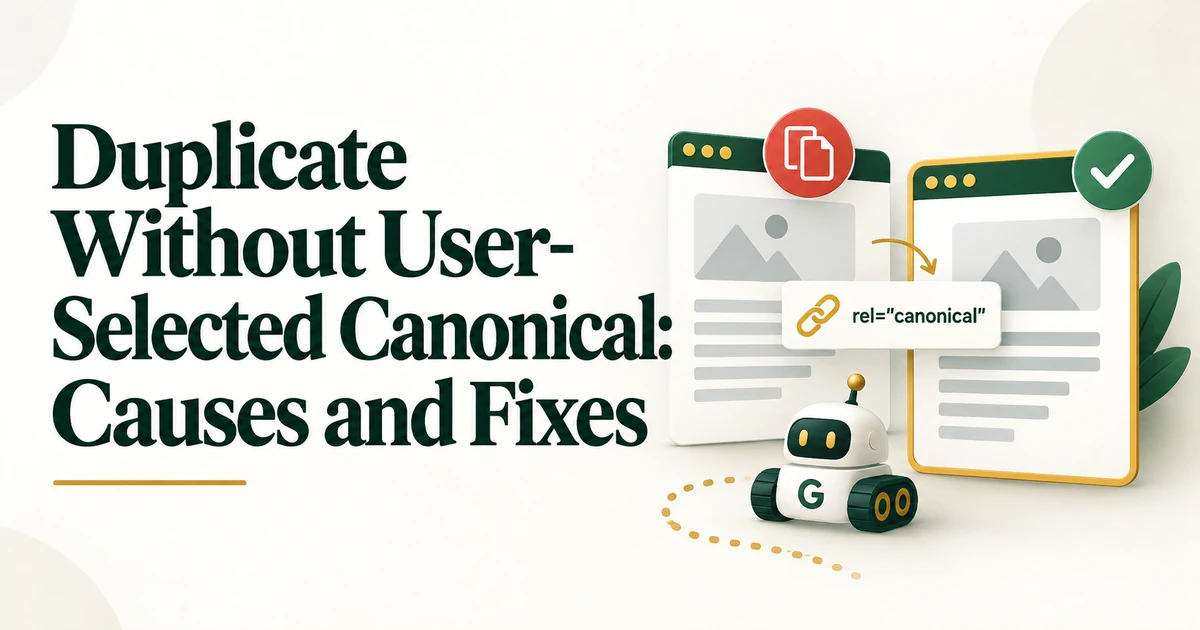
Search Console's 'Duplicate without user-selected canonical' status sounds like an error, but it is often a description of consolidation rather than a failure.
The real question is whether Google selected the canonical URL you actually want. If yes, the status may require no action. If no, you need to align the site's canonical signals.
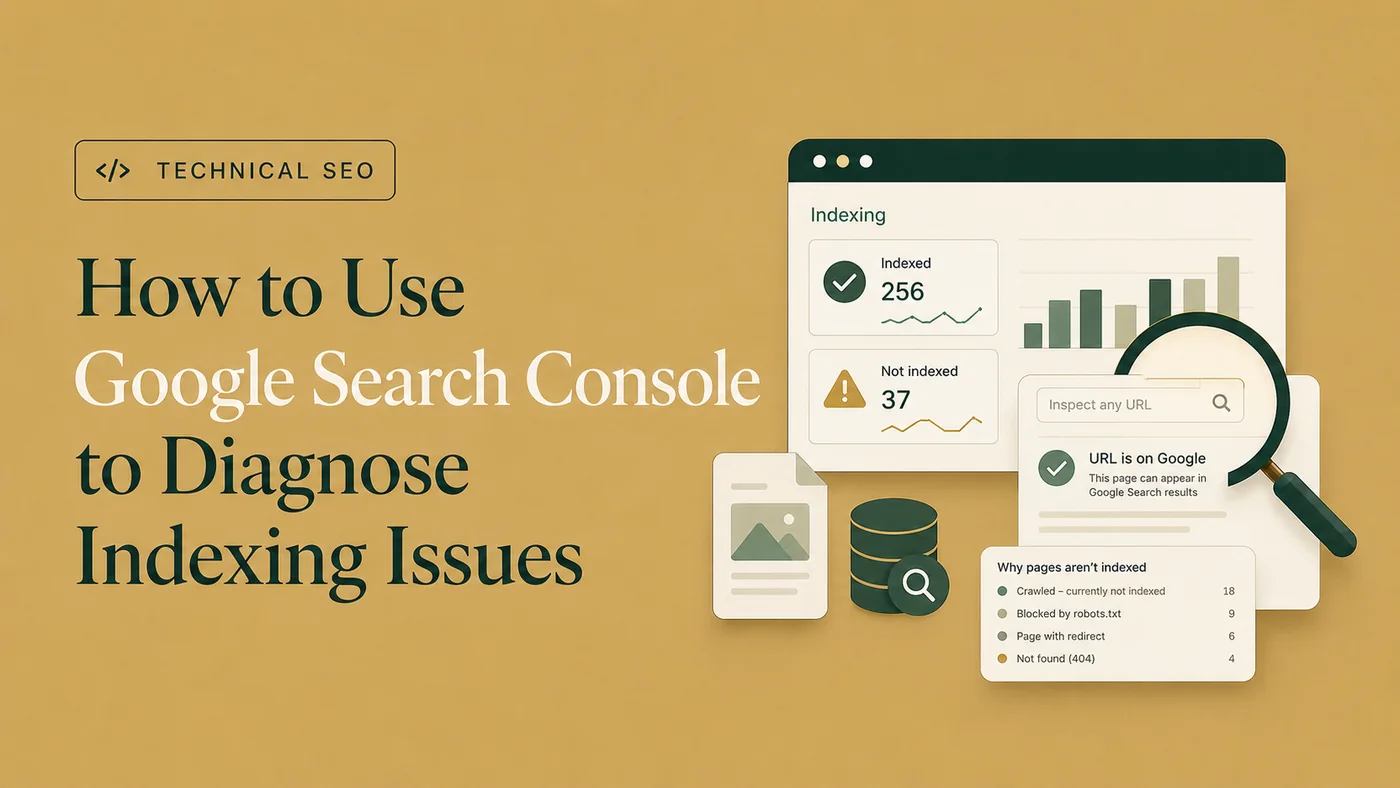
Google identified the inspected URL as a duplicate of another URL. Because no user-selected canonical was declared for that duplicate, Google chose a representative canonical itself. The duplicate URL is generally not indexed separately. For a focused next step, review Google Search Console indexing issues.
It can be normal when duplicate variants are expected and Google selects the preferred version - for example certain parameters, protocol or host variants, or alternate paths that should consolidate. Do not try to force every duplicate URL into the index.
Use URL Inspection to see which URL Google selected. Then compare that result with your preferred URL strategy. If Google's choice is correct, document the pattern and move on. If it is wrong, inspect why the competing URL may be receiving stronger signals.
Compare the main content, purpose, title, headings, structured data, internal links, and user intent. Near-identical pages may reasonably consolidate; pages with genuinely different intent should be made meaningfully distinct.
If several duplicate URLs should consolidate to one preferred URL, use a clear rel=canonical where appropriate and ensure the target is indexable, returns 200, and represents the content.
The broader canonical tag best practices guide covers implementation choices.
Canonical tags work best when surrounding signals agree. Link internally to the preferred URL, list the preferred URL in the XML sitemap, and use permanent redirects where duplicate URLs do not need to remain accessible.
A website indexability audit helps when the issue affects many templates.
Review http/https, www/non-www, trailing slash, parameters, alternate category paths, and tracking URLs. Choose a consistent URL pattern and reduce unnecessary internal links to variants. Use redirects for variants that should not remain independently accessible; use canonicalization when alternate accessible URLs are necessary.
If two pages should both be indexed, they need a real reason to exist independently. Different titles alone are not enough. Clarify search intent, content, internal-link context, and page purpose so each URL is independently useful. For a focused next step, review redirect audit.
After changes, recrawl the site and recheck representative URLs in Search Console. Canonical selection may take time to update, so validate the technical signals first and monitor the indexed result later.
Treat this status as a canonical-selection diagnostic, not an automatic error. Verify Google's chosen canonical, decide whether it is correct, and align canonical tags, internal links, sitemaps, redirects, and content differentiation around the intended outcome.
No. It can be completely normal if Google selected the intended canonical URL.
Self-referencing canonicals are a useful consistency practice on preferred indexable pages, but they do not replace correct internal linking, redirects, and URL management.
Not if the URL is intentionally duplicate. Request Indexing does not override canonicalization decisions.