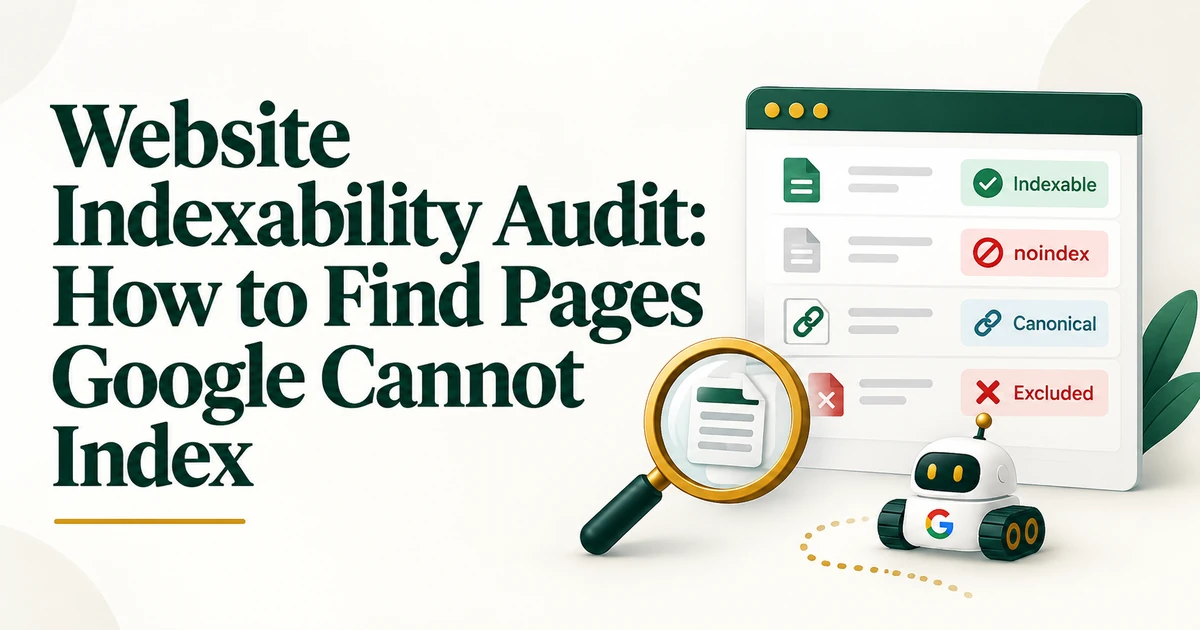
Website Indexability Audit
Run a website indexability audit to find noindex directives, redirecting URLs, errors, soft 404s, canonical conflicts, duplicates, and pages Google is unlikely to index.
Read the guide →A schema markup audit inventories structured data by template, separates schema.org validity from Google rich-result eligibility, finds duplicate or conflicting JSON-LD, checks required properties and visible-content alignment, and revalidates after fixes.

Structured data problems are often template problems, not one-page problems. A theme, plugin, app, or component can output the same invalid or conflicting JSON-LD across hundreds of URLs.
A schema markup audit should therefore inventory markup by page type, identify which system generates it, and distinguish syntax validity from eligibility for Google-supported search features.
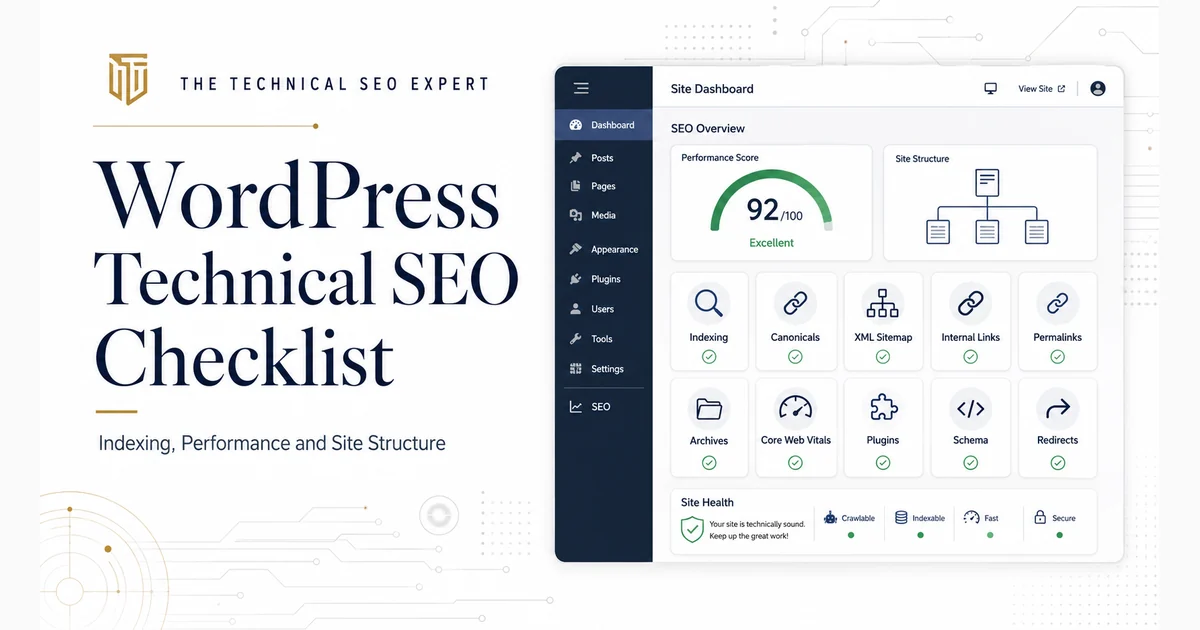
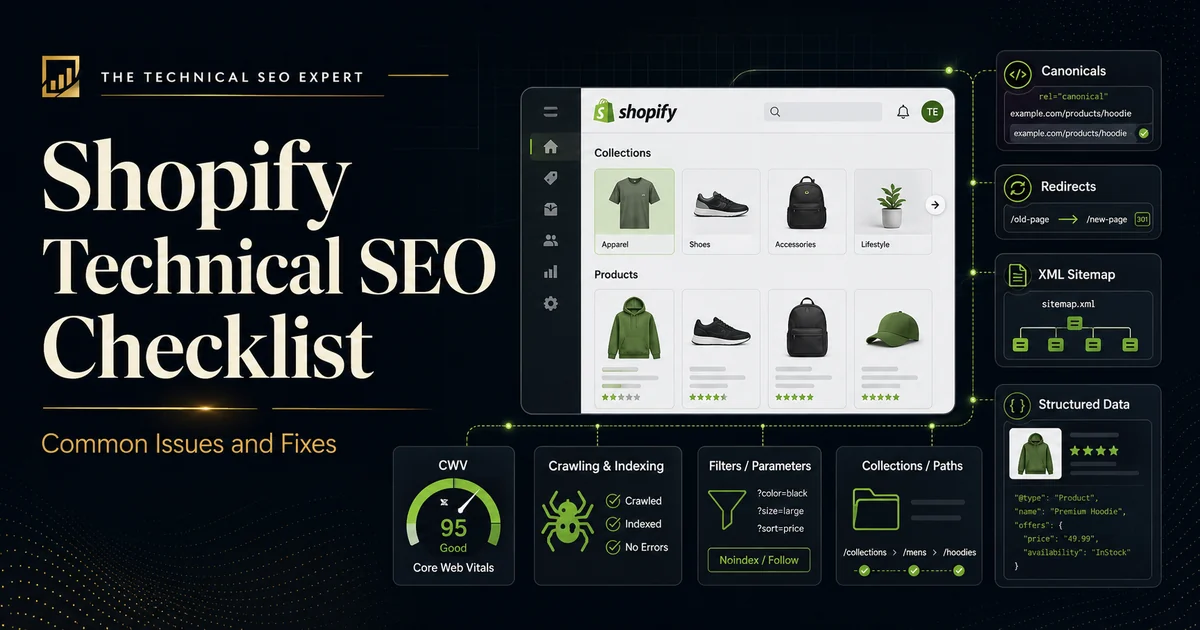
A schema audit reviews structured data across a site for invalid syntax, missing required properties, duplicate entities, conflicting values, stale markup, unsupported feature assumptions, and mismatch with visible content. Use both Google's Rich Results Test and Schema Markup Validator because they answer different questions. For a focused next step, review post-migration SEO audit. For a focused next step, review WordPress Technical SEO. For a focused next step, review Shopify Technical SEO.
Sample the homepage, service pages, products, articles, categories, author pages, videos, and other major templates. Record which schema types appear and where they come from. Common sources include themes, SEO plugins, ecommerce apps, custom templates, tag managers, and hard-coded JSON-LD.
Use Rich Results Test for markup tied to Google-supported rich-result features. Review errors, warnings, detected item types, and whether required properties are present. Valid markup does not guarantee a rich result; treat eligibility as a technical condition, not a promise.
Use Schema Markup Validator to evaluate broader schema.org vocabulary, including types and properties that may not correspond to a Google rich-result feature. This separates general schema.org validity from Google feature eligibility.
Look for multiple Organization, Article, Product, BreadcrumbList, VideoObject, or other entities representing the same thing with different values. Duplicate blocks are especially common when both the theme and an SEO plugin generate markup.
For each relevant type, verify required properties first, then recommended properties that improve completeness. Do not add properties that the page cannot support truthfully.
Structured data should describe what users can actually see on the page. Product price, availability, review information, author data, article dates, and breadcrumb paths should align with visible content.
Remove markup that no longer describes the page, references old URLs, contains outdated business information, or relies on a search feature that is no longer supported. Do not keep schema simply because it validates syntactically.
Structured data on a blocked, noindexed, redirected, or non-canonical page cannot solve the underlying visibility problem. Use the website indexability audit when marked-up pages are not eligible for indexing.
Prioritize template-wide errors, conflicting entity information, and errors affecting important page types. After deployment, rerun both validation tools and recrawl representative templates.
For implementation beyond the audit, use schema markup and JSON-LD implementation.
A useful schema audit maps markup to templates and generators, separates syntax from feature eligibility, removes conflicts, aligns data with visible content, and validates the deployed result.
No. Warnings can indicate optional recommended properties. Errors affecting required properties or conflicting values deserve higher priority.
No. Valid structured data can make a page eligible for supported features, but display is not guaranteed.
Themes, plugins, apps, and custom code can all generate markup. The audit should identify the source before removing or rewriting anything.