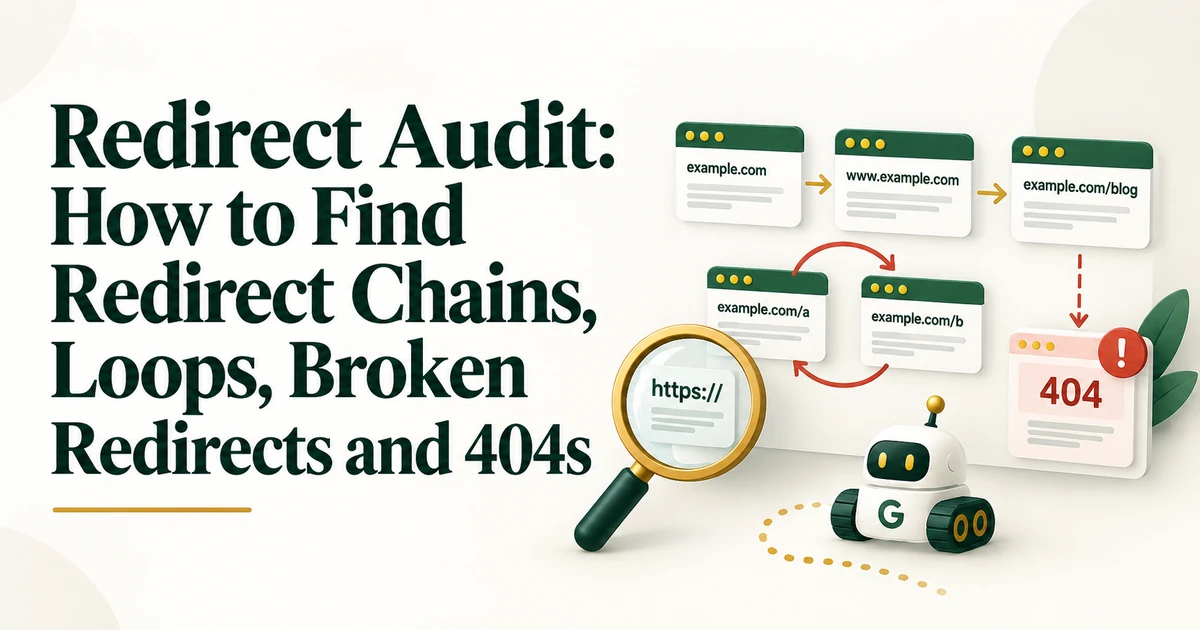
Redirect Audit
Audit redirects to find redirect chains, loops, broken targets, unnecessary hops, temporary redirects, redirected internal links, 404s, 410s, and canonical conflicts.
Read the guide →A post-migration SEO audit compares the live site with the pre-migration baseline and verifies that redirects, crawlability, indexability, canonicals, sitemaps, internal links, tracking, and performance survived launch. Validate immediately, then monitor indexing and traffic over time.

Migration work does not end when the new site launches. The first hours and days after launch are when redirect gaps, staging blocks, canonical mistakes, broken internal links, tracking failures, and server-capacity problems become visible.
A post-migration SEO audit is therefore a validation exercise: compare what was supposed to happen with what the live site is actually doing.
Run immediate launch-day checks for critical access and redirect issues, then perform a fuller crawl once the live environment is stable. Continue monitoring Search Console, analytics, indexing, and rankings over the following days and weeks. For a focused next step, review website migration SEO checklist. For a focused next step, review Core Web Vitals audit.
Use the pre-migration crawl and URL inventory as your reference. Compare indexable URL counts, status codes, canonicals, titles, directives, internal-link structure, hreflang, schema, and priority page availability. Without a baseline, it is harder to distinguish migration damage from issues that already existed.
Test the old URL inventory. Each important retired URL should reach its intended new destination directly where a replacement exists. Find missing redirects, chains, loops, redirects to irrelevant pages, and old URLs still linked internally. For focused analysis, use the redirect audit.
Confirm that production robots.txt, firewall rules, authentication, and server behavior allow Googlebot to access the new site. Remove staging-only noindex or crawl restrictions that should not remain in production. Use a website crawlability audit if entire sections are inaccessible.
Verify that priority pages return 200, are indexable, and use the intended canonical URLs. Compare sitemap URLs with final live URLs and remove old, redirecting, or non-canonical entries. For deeper canonical and indexability problems, use the website indexability audit.
Internal navigation, breadcrumbs, contextual links, image links, and footer links should point directly to final destinations rather than relying on redirects. This reduces unnecessary hops and helps the new architecture communicate preferred URLs clearly.
On multilingual sites, validate reciprocal hreflang and confirm that each language version references the final canonical URL. Recheck structured data after template changes because migrations often alter markup output.
Confirm GA4, GTM, conversion events, forms, ecommerce tracking, and Search Console properties. Domain migrations may require new or updated properties. Tracking must be validated before traffic changes can be interpreted confidently.
A new theme, platform, host, or deployment model can change performance. Check real-user data, PageSpeed diagnostics, server response, and error rates. Migration traffic can also increase crawler activity, so confirm sufficient server capacity.
Temporary fluctuation can occur after URL-changing migrations. Monitor whether old URLs leave the index, new URLs are discovered and indexed, impressions transfer, and priority pages recover expected visibility. If traffic drops beyond the migration scope, use an organic traffic drop diagnosis.
A post-migration SEO audit turns launch assumptions into evidence. Compare against the baseline, validate redirects and indexing signals, update internal links, verify tracking and performance, and monitor the transition until the new URL set stabilizes.
Critical checks should happen immediately. A complete crawl and Search Console review should follow as soon as the live environment is stable.
No. Redirect important old URLs when a relevant replacement exists. Removed URLs with no suitable equivalent can return 404 or 410.
Some fluctuation can happen, especially with major URL changes. The audit should confirm that the technical signals needed for transfer are functioning correctly.