Post-Migration SEO Audit
Run a post-migration SEO audit to validate redirects, crawlability, indexability, canonicals, sitemaps, internal links, hreflang, tracking, server performance, and search visibility after launch.
Read the guide →An organic traffic drop diagnosis starts by proving the decline is real, then separating click, impression, CTR, and position changes. Identify the affected pages and queries, build a timeline, and test demand, indexing, technical, migration, SERP, and tracking causes before changing strategy.

A traffic decline is a symptom, not a diagnosis. The fastest way to waste time is to assume the cause before you know which pages, queries, countries, or devices actually lost performance.
A good organic traffic drop diagnosis works from evidence to cause: confirm the decline, isolate the affected segments, build a timeline, and then test the most plausible explanations.
Compare Search Console clicks with analytics organic sessions and conversions. Check date ranges, reporting delays, filters, consent changes, and tracking deployments. A tracking break can look like an SEO collapse, so confirm the signal before investigating causes. For a focused next step, review redirect audit.
These metrics tell different stories. Fewer impressions can indicate lower demand or weaker visibility. Stable impressions with fewer clicks may indicate CTR or SERP-layout changes. Worse average position may suggest ranking loss. Segment rather than relying on sitewide averages. For a focused next step, review Core Web Vitals audit.
Compare page and query performance before and after the decline. Group losses by template, topic, brand vs non-brand, country, and device. If only one section dropped, investigate that section first; if the entire site moved at once, look for sitewide technical, tracking, or demand explanations.
Compare year-over-year patterns where possible. Seasonal businesses can show sharp month-to-month declines that are normal. Also consider broader search demand: ranking cannot create demand that no longer exists.
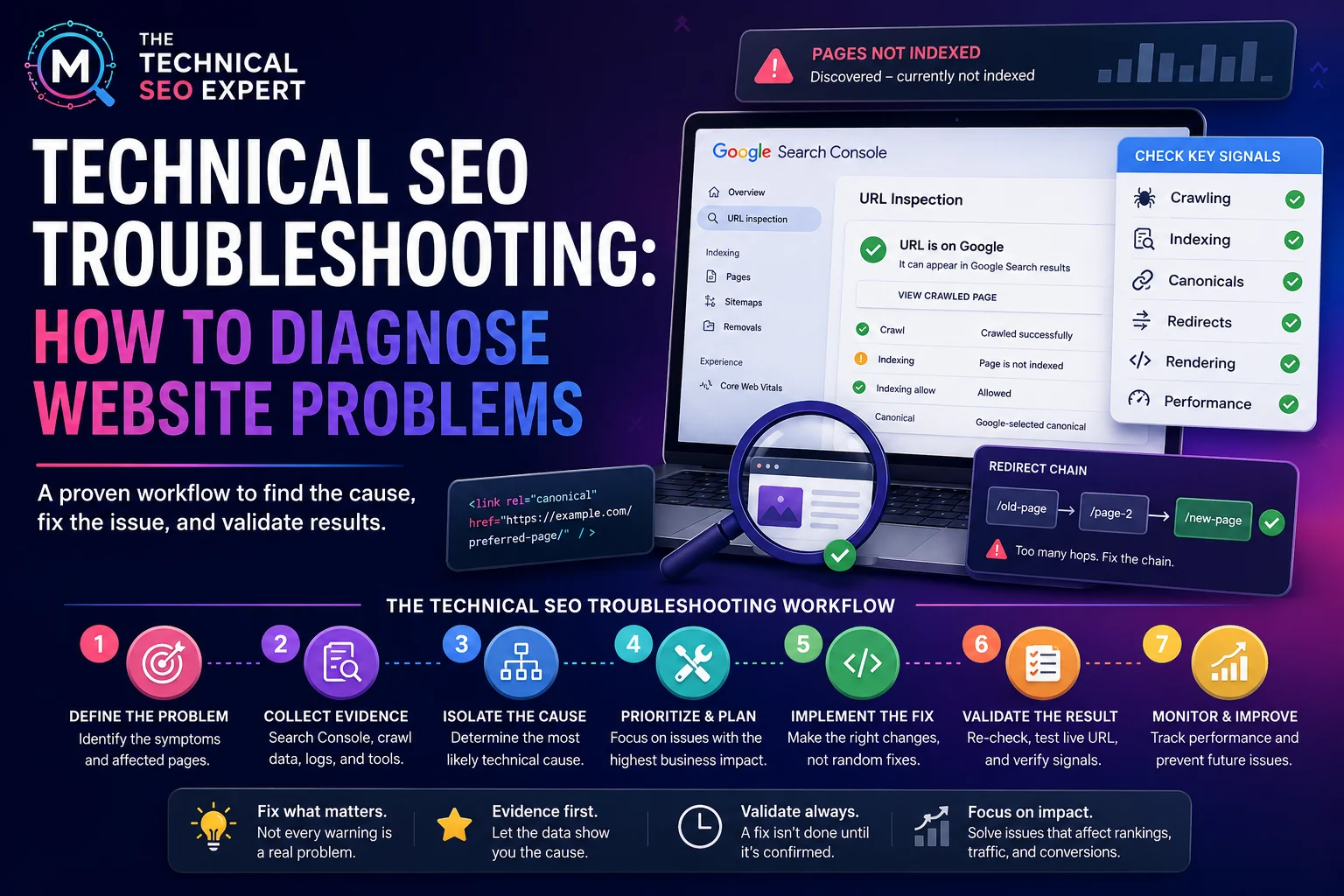
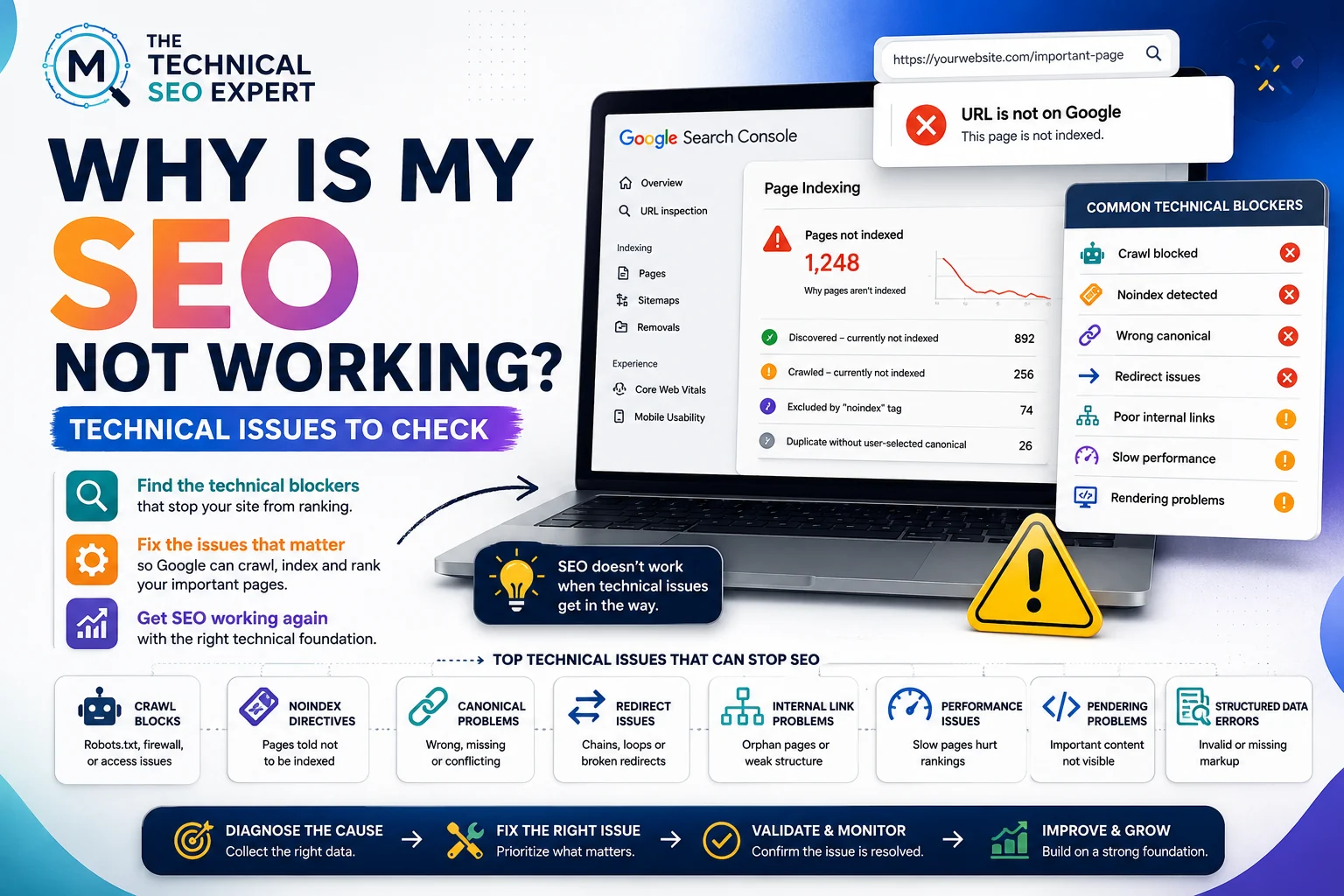
Review Page indexing trends, important URL status, canonical changes, noindex directives, robots rules, server errors, and internal linking changes. A website indexability audit is useful when the drop coincides with missing or deindexed pages.
Build a deployment timeline. Theme releases, CMS changes, URL rewrites, redirect updates, navigation changes, CDN rules, and migrations can create a clear before-and-after pattern. If the decline follows a migration, use the post-migration SEO audit instead of treating the problem as generic traffic loss.
A page can keep a similar ranking position but receive fewer clicks if the search results page changes. Featured snippets, shopping modules, local packs, video results, AI features, or stronger competitors can change click distribution. Treat this as a SERP and CTR diagnosis rather than assuming an indexing failure.
Brand demand and non-brand visibility behave differently. A drop in branded searches may reflect marketing demand or reputation; non-brand losses are more likely to point toward rankings, coverage, competition, or technical visibility.
Review GA4 tags, GTM releases, consent settings, channel grouping, referral exclusions, and form tracking. A measurement change can create apparent traffic or conversion loss without a search change.
Put traffic changes and site changes on the same timeline. Then rank hypotheses by evidence, impact, and ease of testing. Avoid changing content, redirects, canonicals, and internal links simultaneously; controlled tests make diagnosis easier.
Traffic-drop diagnosis is a process of elimination. Confirm the data, isolate the affected segments, build a timeline, and test the strongest technical, demand, SERP, and measurement hypotheses before changing the SEO strategy.
No. Demand, tracking, technical changes, migrations, SERP layout, competition, and content changes can all reduce traffic.
Look at rankings, but alongside impressions, clicks, CTR, affected pages, and query mix. Ranking alone rarely explains the full decline.
Prioritize template-specific causes such as noindex, canonical, rendering, internal links, or deployment changes affecting that page type.