Common Technical SEO Issues: Problems, Examples and Fixes
See common Technical SEO issues that affect crawling, indexing, site structure, performance, canonicals, redirects, sitemaps, and structured data.
Read the article →Technical issues to check before rebuilding the whole SEO strategy.
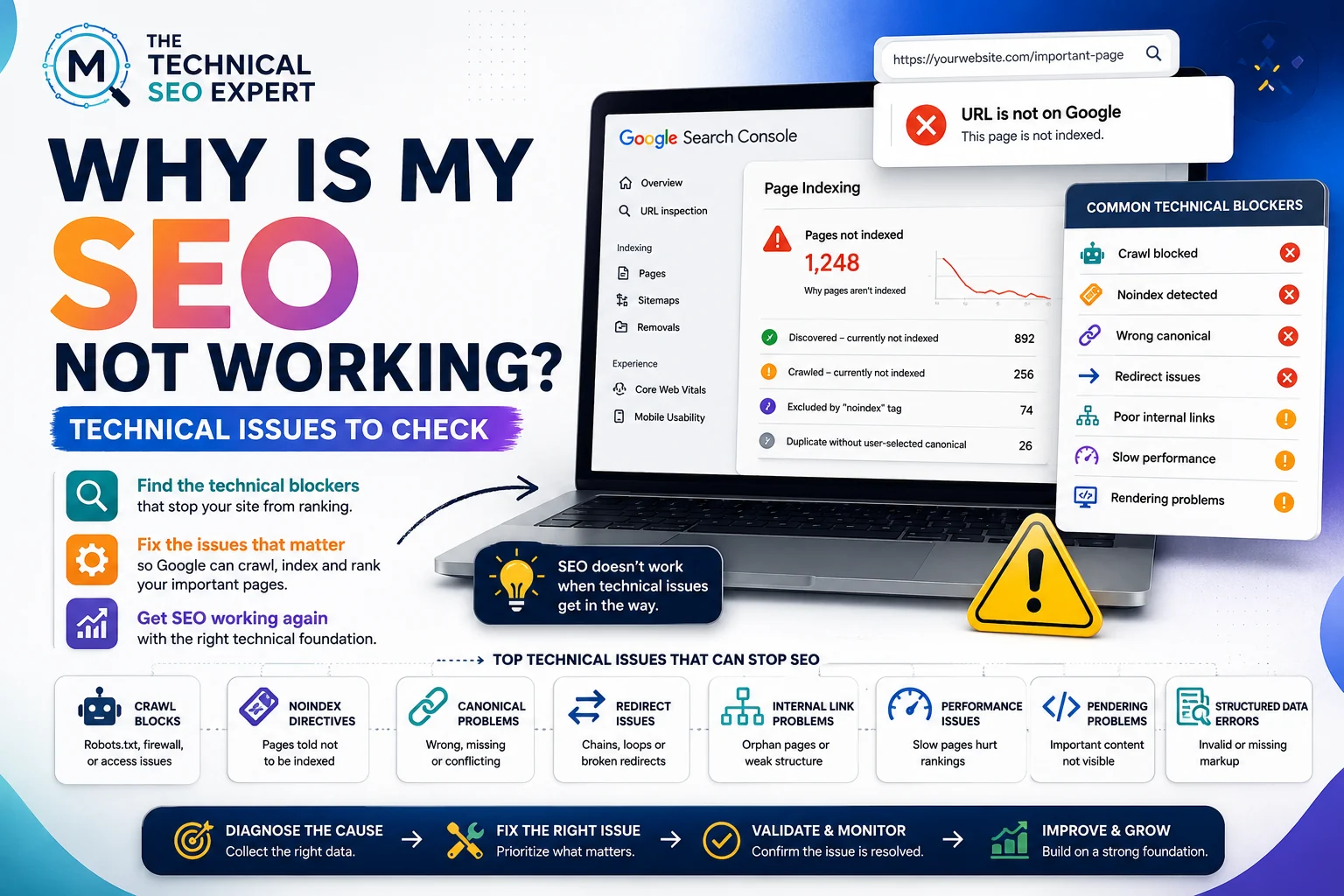
SEO may not work when important pages are not indexed, search engines cannot crawl the site properly, technical signals conflict, internal links do not support priority pages, performance is weak, or recent website changes introduced new problems.
If your SEO is not working, it is easy to blame the content, the algorithm, the SEO plugin, or the mysterious “Google dance.” Sometimes one of those is involved. Sometimes the site is simply telling Google not to index the pages you care about.
This article is for website owners who are not necessarily searching for “Technical SEO” yet. You just know that SEO is not improving, rankings are weak, or visibility dropped.
A good next step is to check the Technical SEO issues that can stop SEO from working before rebuilding the entire strategy.
SEO can fail or stall for several reasons:
Technical SEO is not always the cause. But it should be checked early because technical blockers can prevent otherwise good content from performing.
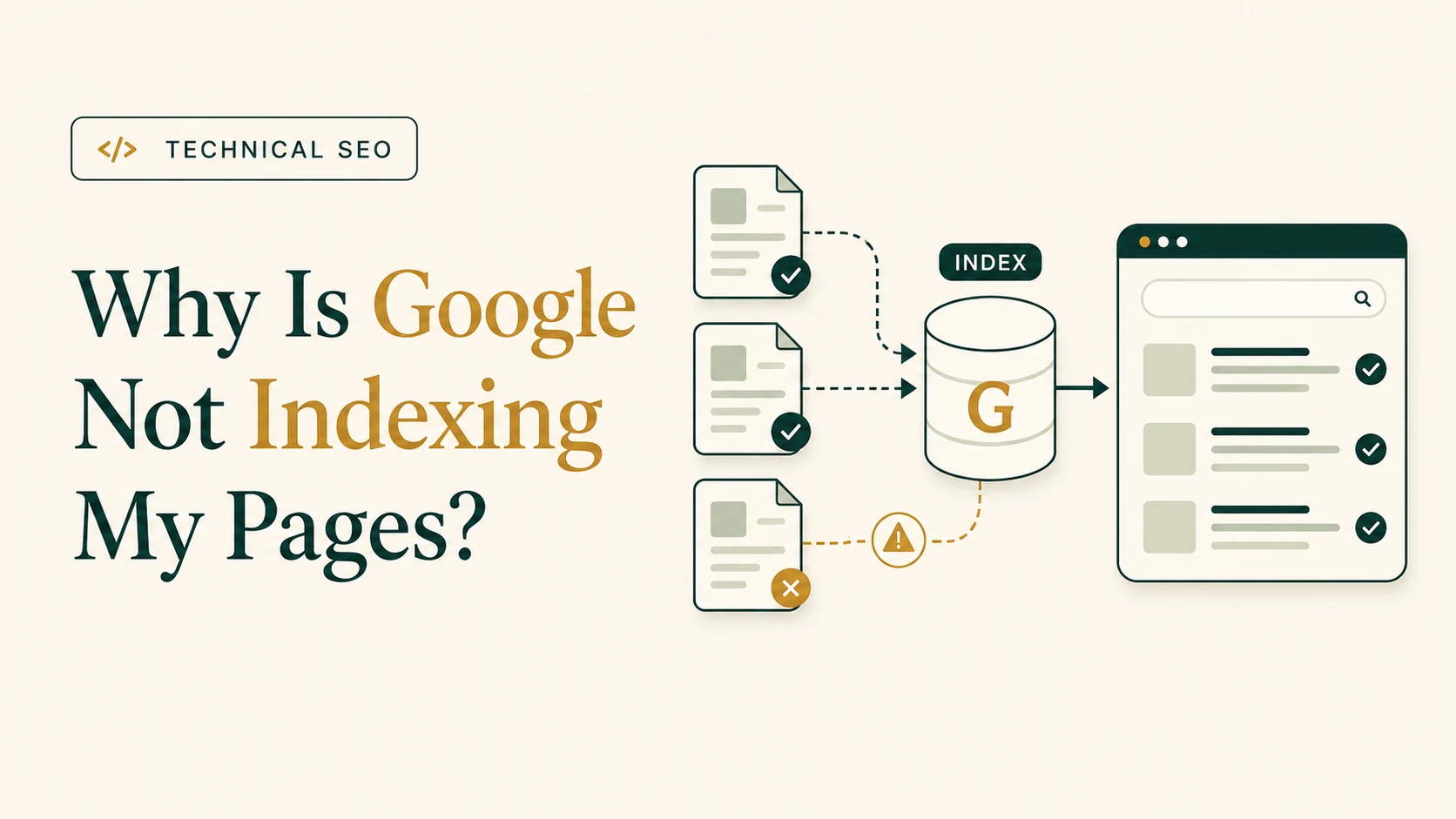
Start with indexing.
Ask:
If Google is not indexing the right pages, content changes alone may not help.
Use the guide on why Google is not indexing pages when important URLs are missing, excluded, or canonicalized elsewhere.
SEO often “stops working” after a technical change. For a focused next step, review organic traffic drop diagnosis. For a focused next step, review post-migration SEO audit.
Common triggers include:
No staging noindex remains
Canonicals point to the live URLs
Internal links do not point to redirected or broken URLs
XML sitemaps contain current URLs
Analytics and Search Console tracking still work
If the issue began after a redesign or migration, use a website migration SEO checklist to review the risk points.
Three technical controls commonly stop SEO progress.
Robots.txt can stop Google from crawling pages.
Noindex can tell Google not to index pages.
Canonical tags can tell Google that another URL is the preferred version.
Each can be correct in the right situation. Each can also cause problems when applied to the wrong page.
Check whether important pages:
Google’s documentation explains that noindex can keep a page out of Search, but Google must be able to access the page to see the directive. (Google for Developers)
A page can be technically indexable but still poorly supported.
Check whether your important pages are:
If your highest-value pages are only visible in the sitemap, the site structure is probably weak.
Internal links help users and search engines understand what matters. They also help search engines discover new and updated content.
Technical performance may not be the only reason SEO is not working, but it can contribute.
Check:
Google’s documentation describes crawling, indexing, and serving as core Search processes, and technically accessible content is a foundation for search visibility. (Google for Developers)
If important content is not visible in rendered HTML, the page may be harder for search engines to process reliably.
SEO may not be working for non-technical reasons too.
Examples include:
Technical SEO removes barriers. It does not guarantee rankings.
Once crawling, indexing, canonicals, structure, and performance are clean, the next question becomes whether the content, authority, and search strategy are strong enough.
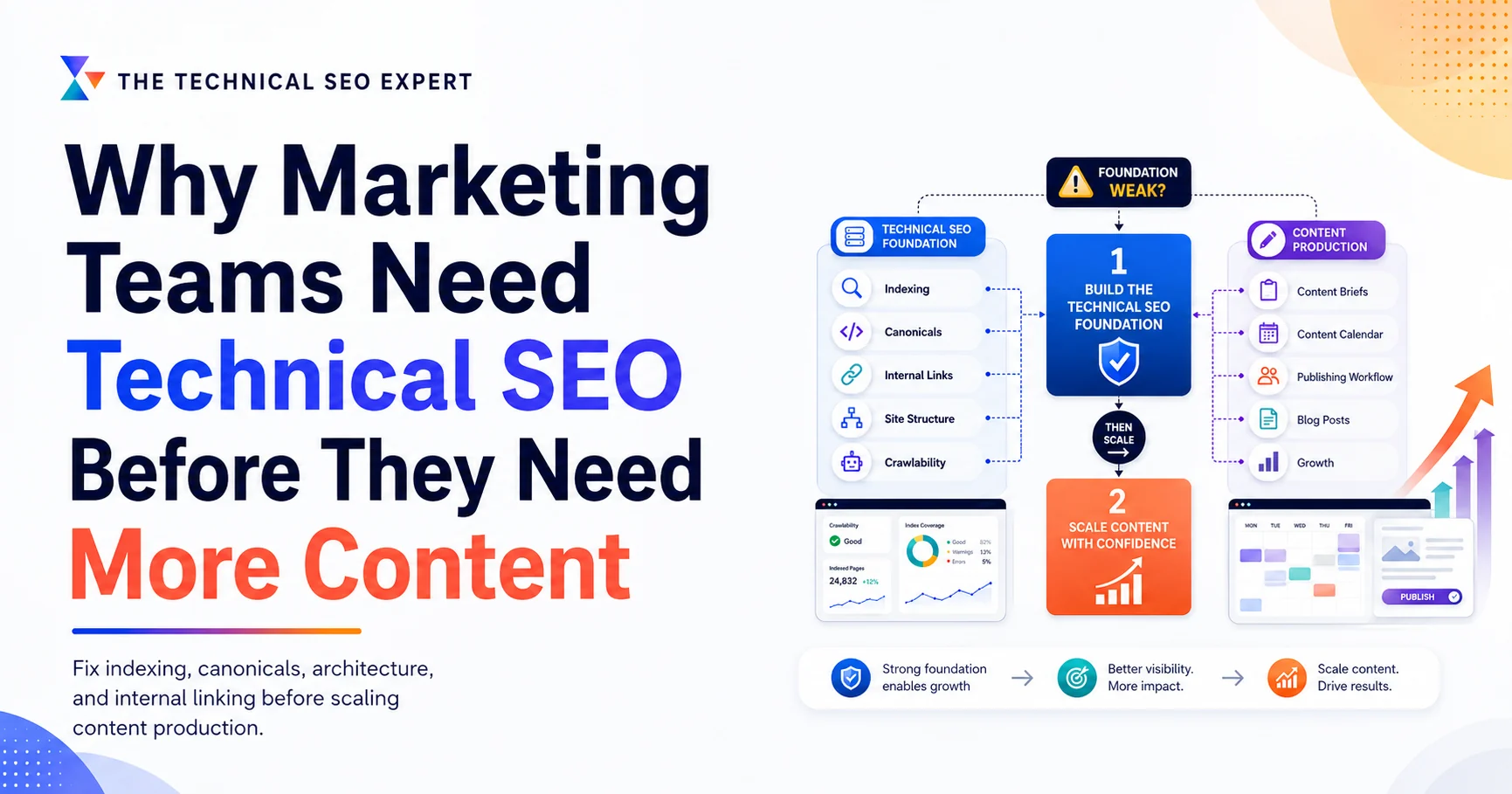
If the next planned fix is simply publishing more articles, first review why marketing teams may need Technical SEO before more content so you do not scale the same underlying blocker.
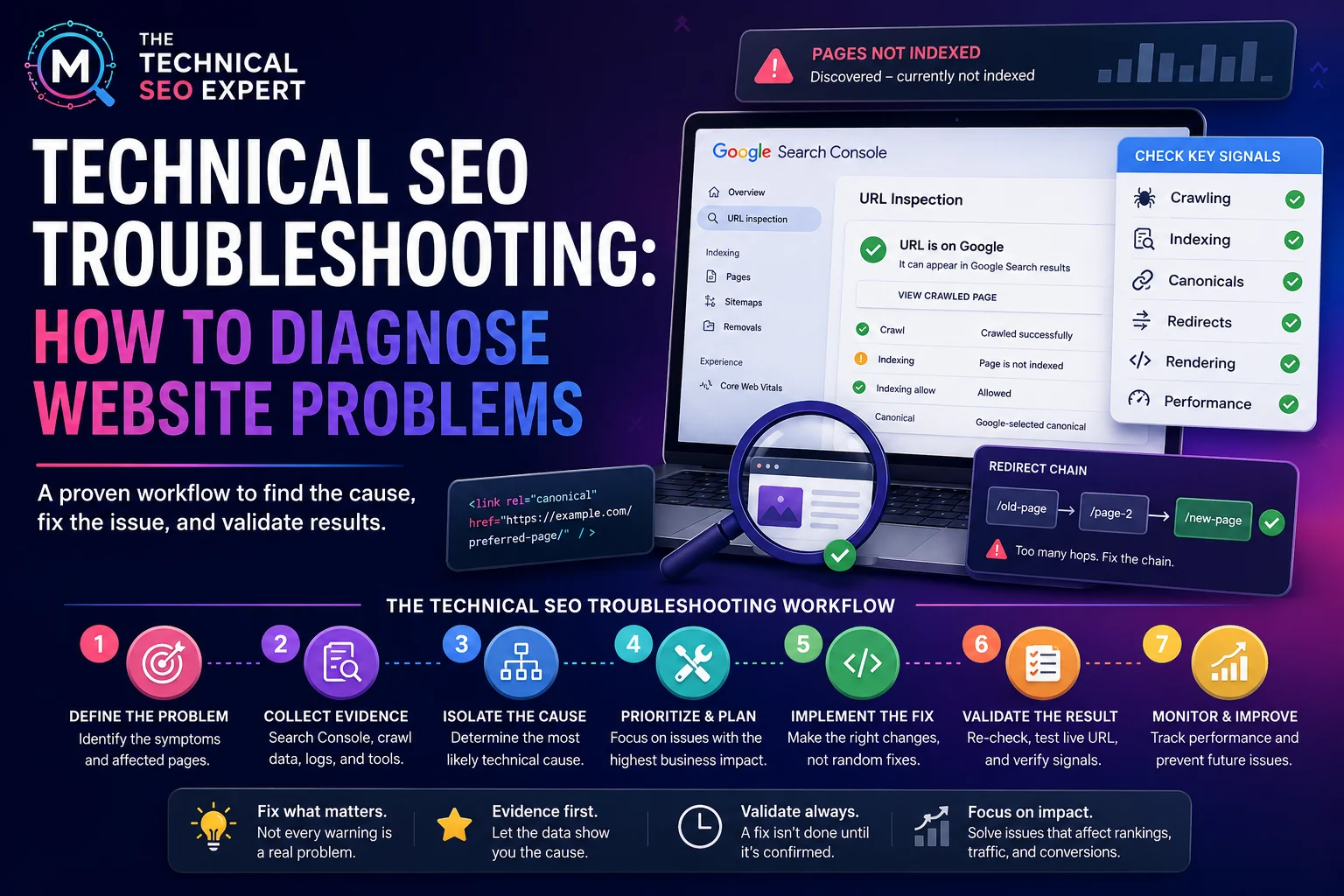
Use this order:
If many technical issues appear, use a Technical SEO troubleshooting workflow before making large changes.
The pages may not be indexed, may be blocked, may canonicalize elsewhere, may lack internal links, may not match search intent, or may need more time and authority.
Yes. Crawl blocks, noindex, broken redirects, incorrect canonicals, rendering issues, weak internal links, and serious performance problems can prevent important pages from performing.
A redesign may change URLs, internal links, templates, canonicals, performance, tracking, sitemap URLs, or indexing directives. These should be checked immediately after launch.
If SEO is not working, do not immediately rewrite everything.
First check whether important pages can be crawled, indexed, understood, and reached through internal links. Then review recent website changes, canonicals, redirects, performance, rendering, and Search Console data.
If the technical foundation is clean, move on to content, competition, authority, and strategy. If it is not clean, fix the barriers before expecting SEO to improve.
For deeper support, Technical SEO audit and implementation support can help identify whether the issue is technical, strategic, or both.

I work on Technical SEO audits, Google Search Console indexing problems, crawlability, site architecture, structured data, and implementation support for websites that need clean diagnosis and practical fixes.
About Murat →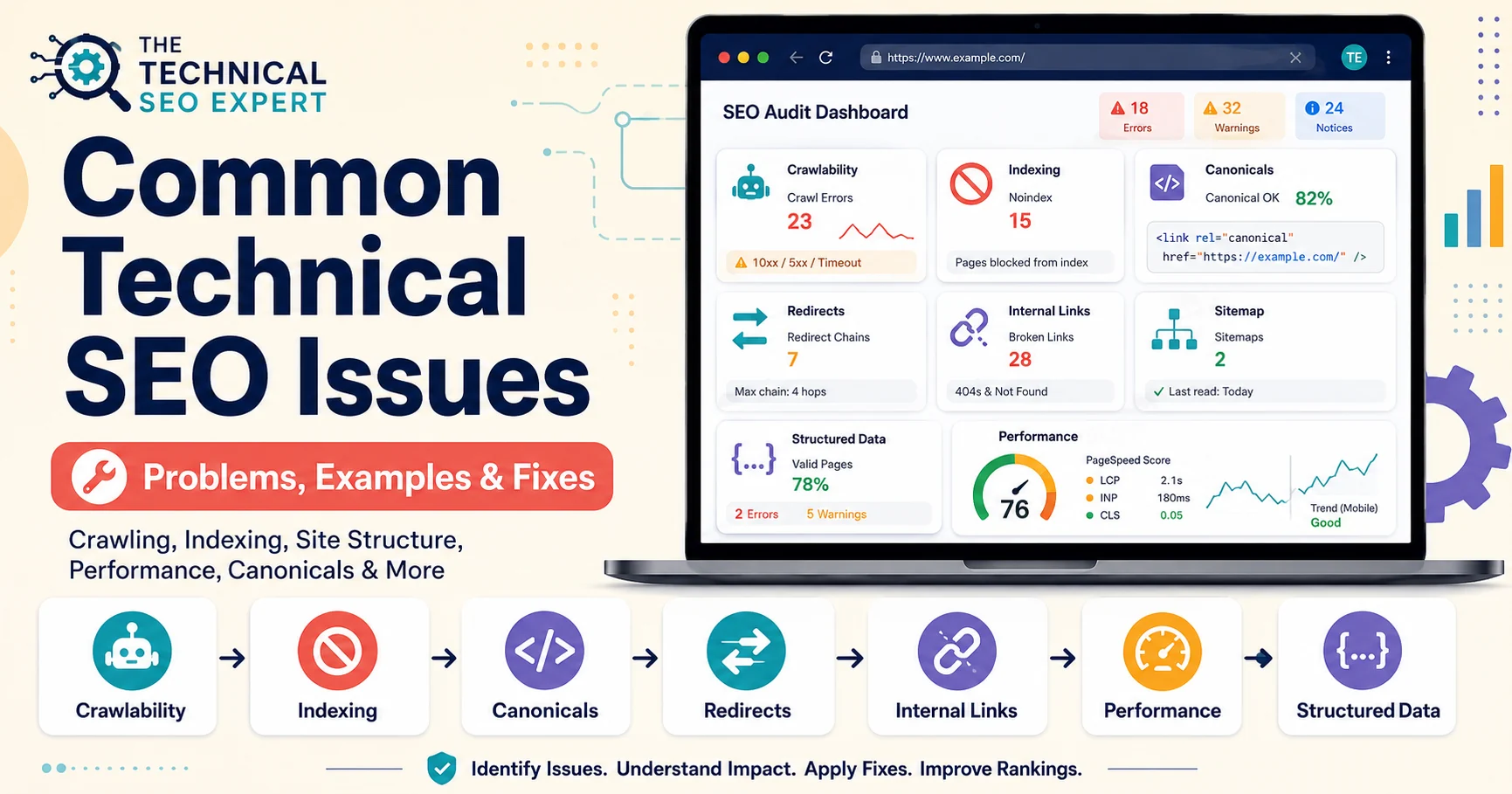
Clear diagnosis, prioritized fixes, and practical implementation support.
Verified Upwork feedback