Technical SEO Troubleshooting: How to Diagnose Website Problems
Use this Technical SEO troubleshooting workflow to diagnose crawl, indexing, redirect, canonical, rendering, performance, and visibility problems.
Read the article →Common Technical SEO problems, examples, and which fixes matter most.
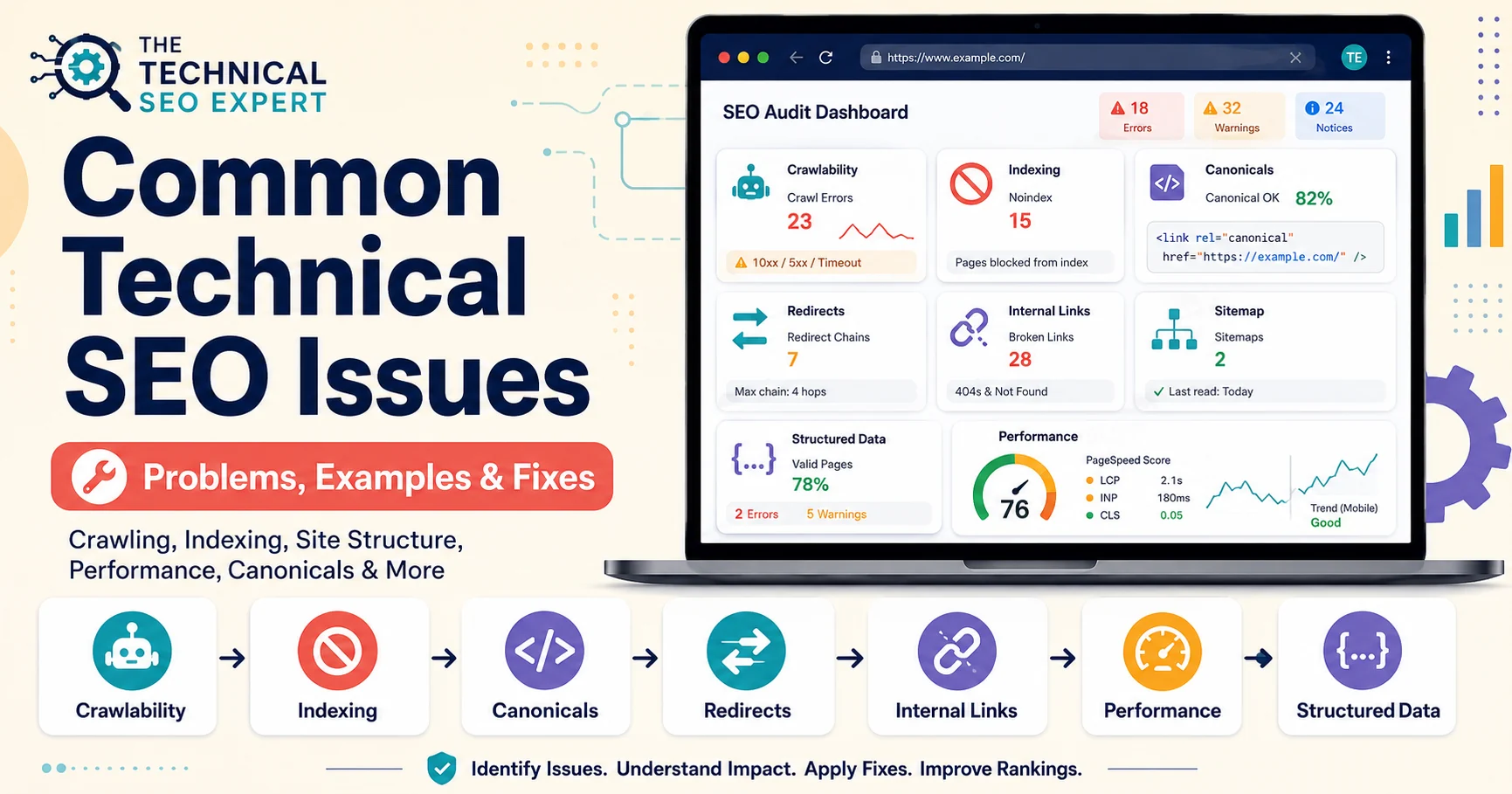
Common Technical SEO issues are website problems that make it harder for search engines to crawl, index, understand, or use important pages. The most serious issues usually affect crawl access, indexing eligibility, canonical signals, redirects, site structure, rendering, or performance.
Technical SEO issues can sound more dramatic than they are. A crawler warning may be critical, harmless, or simply the tool asking for attention because it has not been clicked in a while.
The useful question is not “Did the tool find something?” The useful question is: does this issue prevent important pages from being crawled, indexed, understood, consolidated correctly, or used by visitors?
For the complete workflow, use the parent guide on how to find and fix Technical SEO issues . This article explains the common issue types and why they matter.
Technical SEO issues are implementation problems that affect how search engines access and interpret a website.
They can involve:
Google’s SEO Starter Guide frames SEO as helping search engines crawl, index, and understand content, while keeping users in mind. That is the practical foundation of Technical SEO. (Google for Developers)
Crawling problems stop or limit search engines before indexing can even be considered. For a focused next step, review audit website crawlability.
Common examples include:
A robots.txt file tells crawlers which URLs they can access, but Google is clear that robots.txt is not a mechanism for keeping a page out of Search. For that, noindex or access control is more appropriate. (Google for Developers)
Indexing problems happen when Google can access a URL but does not add it to the index.
Common causes include:
Google’s Page Indexing report shows the indexing status of URLs Google knows about in a property, making it one of the first places to check indexing patterns. (Google Help)
If the issue is unclear, use the guide to diagnose indexing issues in Google Search Console .
Site structure problems usually do not block crawling completely. Instead, they make important pages harder to discover, understand, or prioritize.
Examples include:
A page with no internal links exists, but the rest of the website behaves as though it has never been introduced.
Internal linking should help search engines and users understand which pages matter and how they relate to each other.
Canonical problems appear when a website sends mixed signals about the preferred version of a page.
Examples include:
Google treats canonicalization as selecting a representative URL from duplicate or very similar pages, and canonical annotations are signals rather than absolute commands. (Google for Developers)
Use canonical tag best practices when canonicals, internal links, redirects, and sitemap URLs disagree.
Performance issues can affect crawling efficiency, user experience, and conversion paths.
Common examples include:
Core Web Vitals and performance reports should be interpreted by page type and business value. A slow homepage, product page, service page, or lead form usually matters more than a low-value archive.
If the problem is concentrated on the front page, use the homepage SEO error checklist to review indexability, canonical versions, redirects, internal links, performance, mobile rendering, and structured data together.
Structured data problems usually do not stop indexing, but they can make page understanding and search-feature eligibility weaker.
Examples include:
Google uses structured data to understand page information, but valid markup does not guarantee rich results. (Google for Developers)
Prioritize in this order:
Not every audit warning deserves implementation time. A problem affecting one low-value URL should not outrank a site-wide noindex or broken service-page template.
Use a full troubleshooting workflow when:
At that point, move from “issue list” to diagnosis. The next article in this cluster is the Technical SEO troubleshooting workflow .
Common Technical SEO issues include crawl blocks, noindex directives, redirect chains, broken links, duplicate URLs, incorrect canonicals, XML sitemap errors, orphan pages, rendering issues, structured-data conflicts, and Core Web Vitals problems.
No. Audit warnings need interpretation. Prioritize issues by business value, affected URLs, severity, implementation effort, and whether they affect crawling, indexing, canonicalization, or user experience.
Noindex directives, crawl blocks, server errors, redirects, soft 404s, incorrect canonicals, duplicate content, and weak internal discovery can all prevent or reduce indexing.
Common Technical SEO issues are not all equal.
Start by identifying whether the problem affects crawling, indexing, canonical consolidation, site structure, performance, or structured data. Then prioritize the issue according to the value of the affected pages and the risk of leaving it unresolved.
The goal is not to fix every warning. The goal is to fix the problems that prevent important pages from being found, understood, indexed, and used.

I work on Technical SEO audits, Google Search Console indexing problems, crawlability, site architecture, structured data, and implementation support for websites that need clean diagnosis and practical fixes.
About Murat →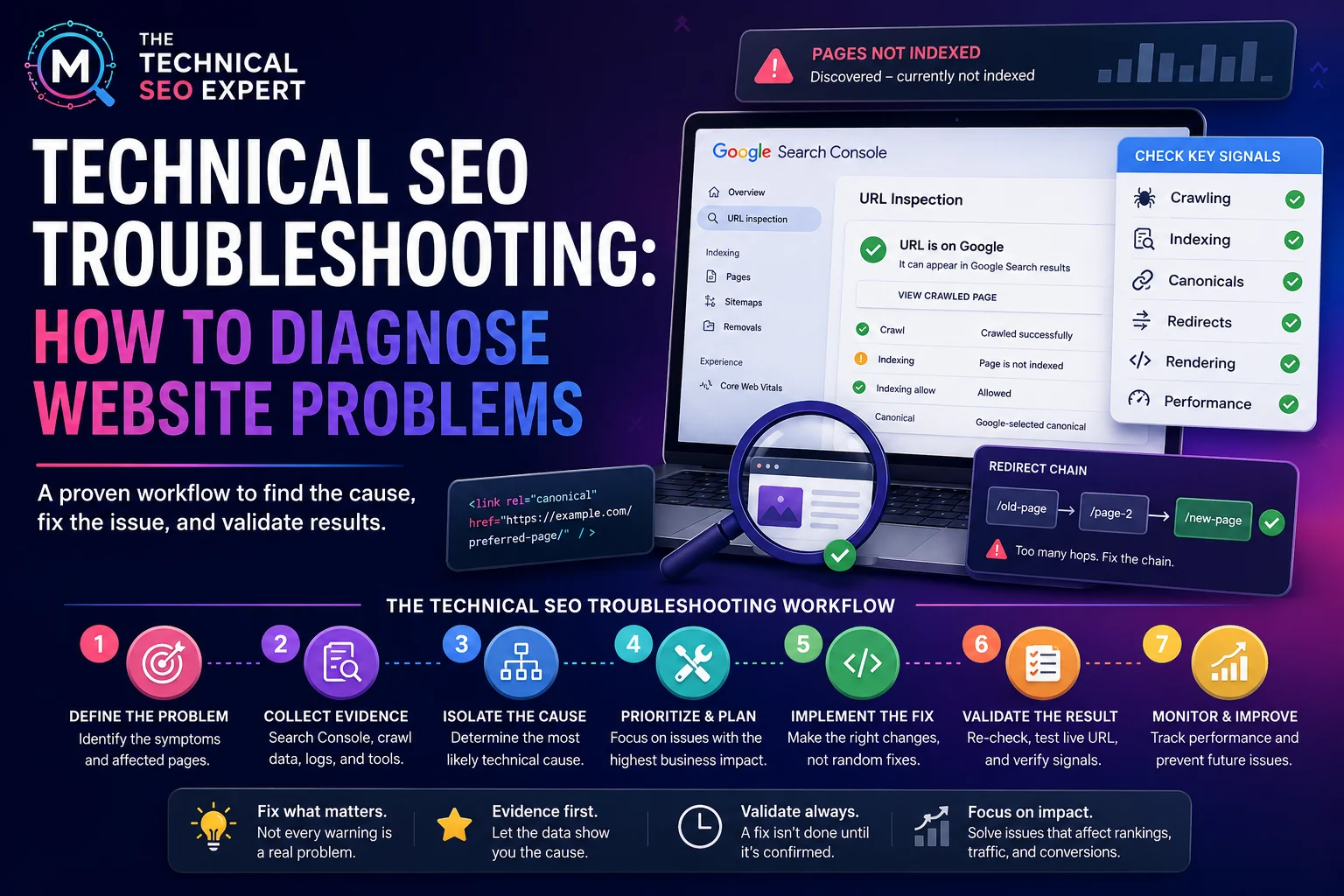

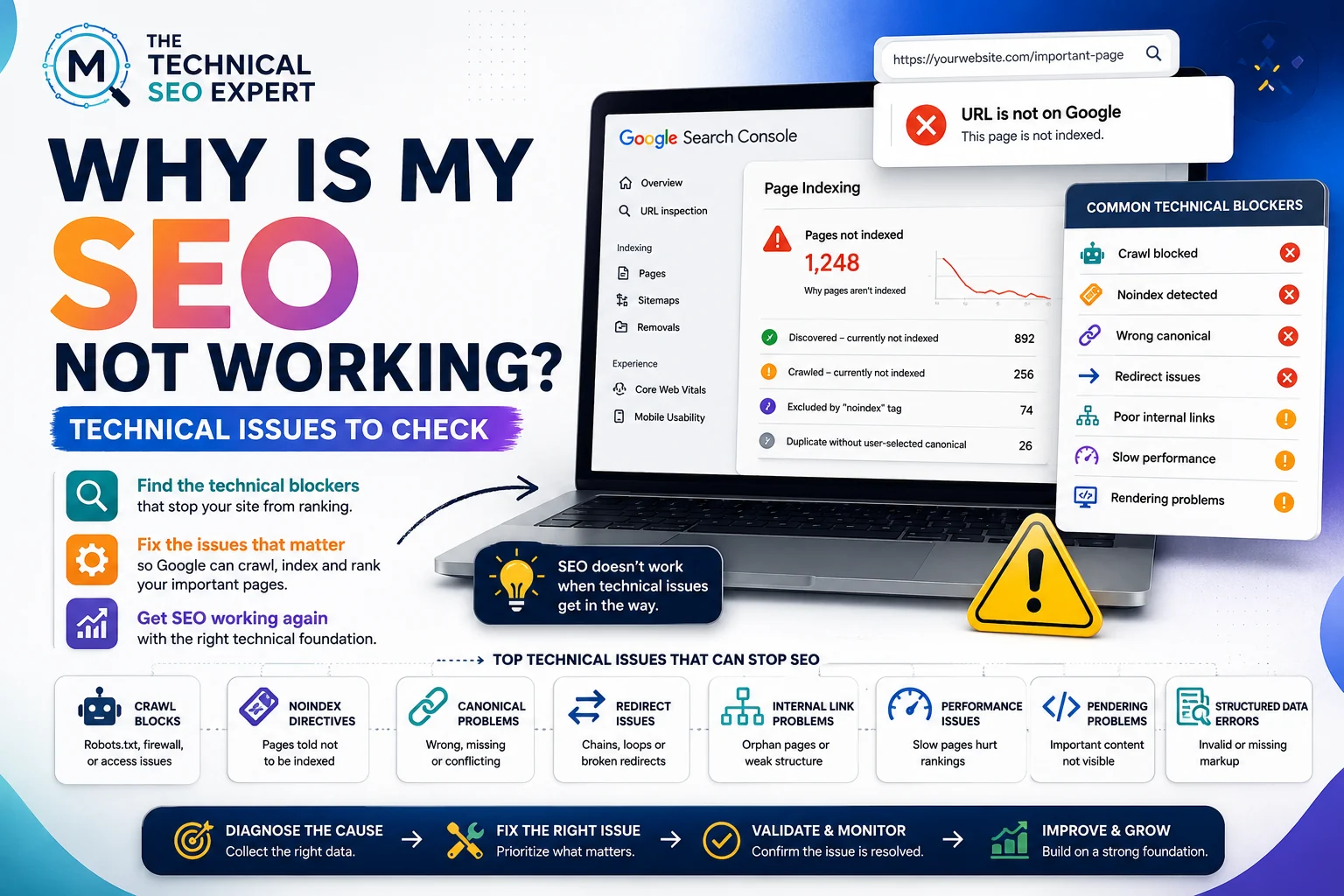

Clear diagnosis, prioritized fixes, and practical implementation support.
Verified Upwork feedback