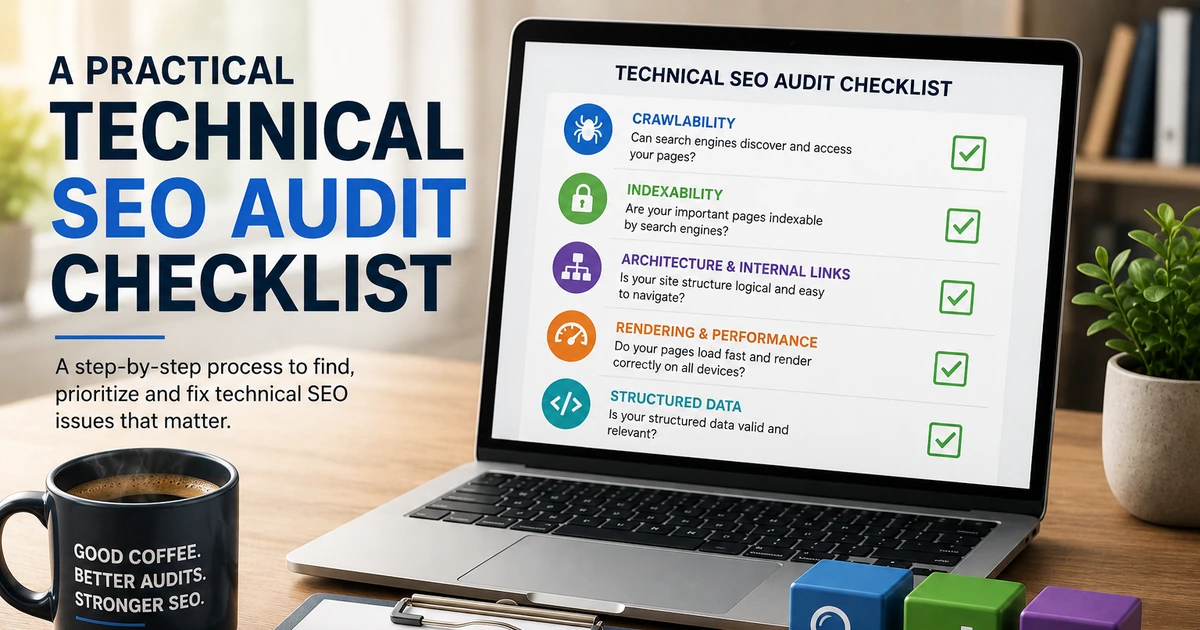
A Practical Technical SEO Audit Checklist
Audit crawlability, indexability, architecture, rendering, performance, structured data, and validation.
Read the resource →Technical SEO for law firms focuses on whether search engines can access, index, and interpret important legal-service pages while users can reach attorneys, office information, and consultation paths without technical friction.
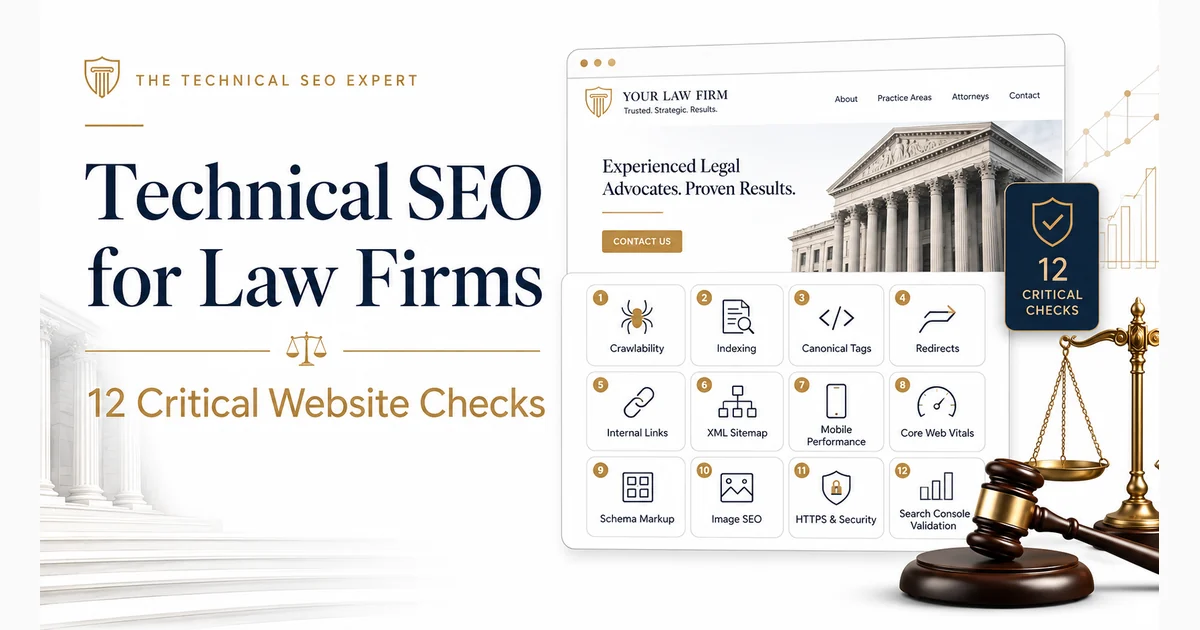
A law-firm website can contain detailed legal information, experienced attorneys, and carefully written practice-area pages while still making those pages difficult for Google—or potential clients—to find.
Search engines are not qualified to assess the firm’s legal expertise. They can, however, determine whether a page is blocked, duplicated, buried six clicks deep, canonicalized elsewhere, or loading so slowly on mobile that the consultation button arrives after the prospective client has left.
Technical SEO for law firms addresses the website conditions that influence discovery, crawling, rendering, indexing, site structure, page experience, and technical validation. It does not replace strong legal content, local visibility, reputation, or links. It ensures that the pages supporting those efforts are technically accessible and clearly connected.
For law firms, a technical SEO expert connects crawlability, indexing, site architecture, redirects, structured data, and validation with the pages that generate consultations and legal enquiries.
Technical SEO for a law firm is the process of improving the website systems and signals that help search engines access, process, understand, and index important legal pages.
The work normally covers:
The legal context matters because law-firm websites often contain several related page types:
These page types can create overlapping search intent, duplicate templates, deep navigation paths, and conflicting URL signals if they are not planned carefully.
Begin with the pages most closely connected to enquiries, qualified traffic, and legal authority.
Priority pages usually include:
This business-value layer is essential. An automated audit may report hundreds of conditions, but it cannot determine whether an excluded immigration-service page matters more than an outdated tag archive.
A broader Technical SEO audit checklist can support a complete site review. The checks below focus on the issues most likely to affect a law firm’s important pages.
Create an inventory of pages that support the firm’s main services, offices, attorneys, and conversion paths.
Record for each priority URL:
This establishes what should be protected first. Not every URL deserves the same implementation effort, and not every excluded page should be indexed.
A practice-area page that generates consultations should receive immediate attention if it disappears from Google. An obsolete archive with no traffic, links, or user purpose probably should not receive the same priority.
Search engines must be able to request a page before they can process its main content and indexing signals.
Check whether important legal pages are affected by:
Robots.txt controls crawler access; it is not a dependable method for keeping a public page out of search results.
Inspect representative practice-area, location, attorney, and article templates rather than testing only the homepage. Template-level access problems can affect entire sections.
A crawlable page can still be ineligible for indexing.
For each priority page, check:
noindex
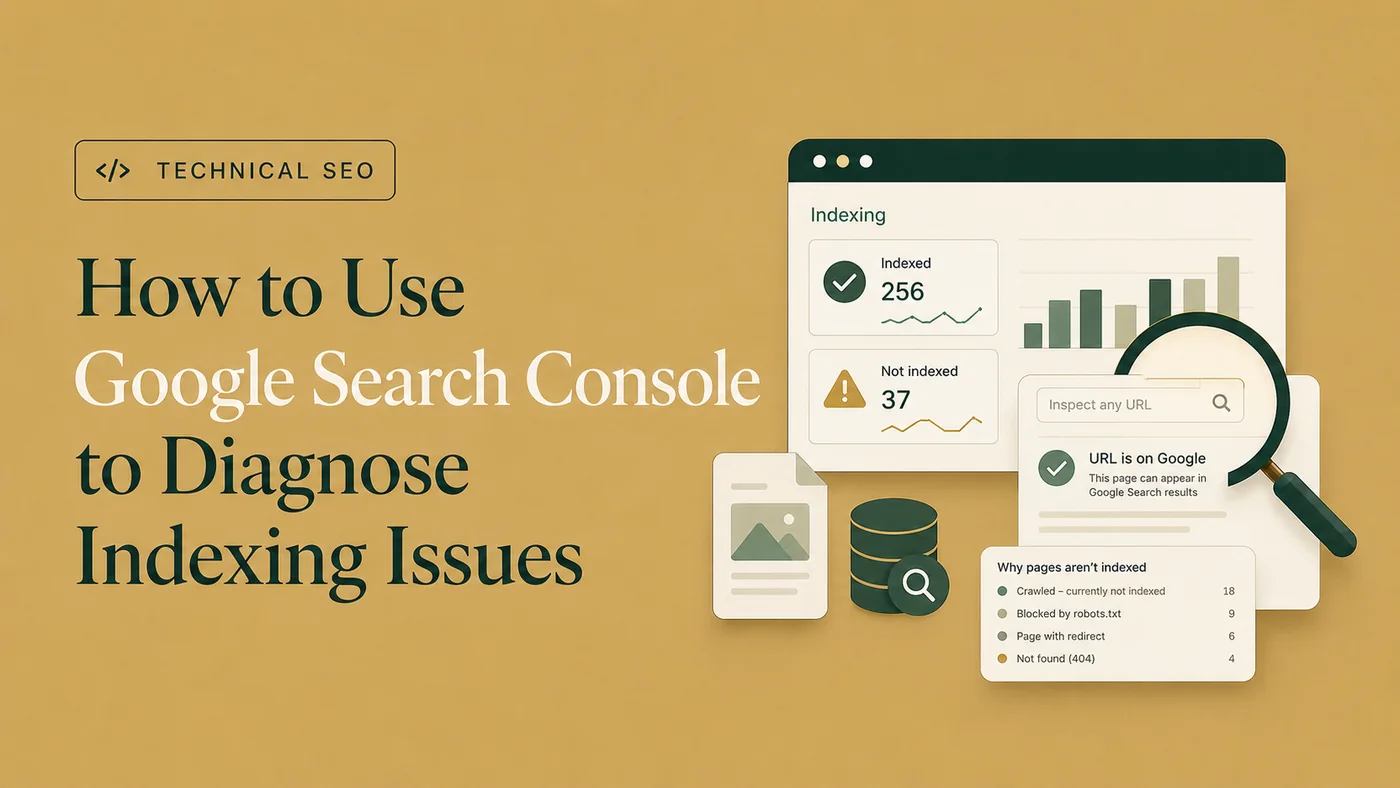
Use the Page Indexing report to identify patterns and URL Inspection for individual pages.
For example, if every page under one legal-service template suddenly reports
noindex
, the likely cause is a shared CMS or plugin rule—not dozens of unrelated editorial decisions.
Law-firm websites frequently create separate pages for combinations of services and cities. This can be valid when each page serves a distinct audience and contains useful, location-specific information.
Problems arise when the pages differ only by changing a place name:
If the legal explanations, proof points, attorney information, office details, and user purpose remain nearly identical, search engines may consider the pages duplicates or select one canonical representative.
Review whether each location page provides genuine value, such as:
Adding another city name to the heading does not automatically create another useful search result.
Canonicalization helps search engines determine the preferred version when duplicate or highly similar URLs exist.
Law-firm websites may accumulate duplicates through:
Check whether the canonical tag, internal links, sitemap, redirects, and URL format support the same preferred page.
The canonical target should normally:
Use the full guide to canonical-tag best practices when a template produces missing, conflicting, or unsuitable canonical targets.
Law-firm websites often retain years of old service names, previous office pages, redesign URLs, and earlier domain structures.
Review:
When an old URL has a relevant replacement, use a direct permanent redirect to the closest equivalent page.
Avoid sending every retired legal-service URL to the homepage. That may look tidy in a redirect spreadsheet, but it rarely helps a user seeking a specific service and may be interpreted as an irrelevant destination.
Also remove redirect chains. Old URLs should reach their final destinations directly rather than travelling through several generations of the website.
Get a focused SEO review that identifies the issues, missed opportunities, and priority fixes.
A logical architecture helps users and search engines understand the relationship among services, attorneys, locations, and resources.
A typical structure might include:
Detailed service pages should sit beneath or connect clearly to relevant practice-area hubs. Location pages should explain the office and services available there rather than acting as disconnected city-keyword pages.
Keep important pages within a reasonable click depth. A valuable service page should not require navigating through several archives or filters before it can be reached.
Breadcrumbs can also clarify hierarchy for users and search engines.
Internal links support discovery, relevance, and user navigation.
Useful law-firm linking relationships include:
Avoid relying only on the main menu. Contextual links from relevant pages can explain relationships more clearly and provide users with a logical next step.
The law-firm WordPress Technical SEO case study shows how crawl controls, redirects, internal links, service-page structure, and conversion paths can be addressed together.
The XML sitemap should contain current canonical URLs that are intended for indexing.
Remove:
Include the preferred versions of:
A sitemap helps search engines discover important URLs, but it does not guarantee crawling or indexing. Important pages should also receive appropriate internal links.
Many prospective clients will first encounter a law firm through a mobile search, particularly when the legal need is urgent.
Review the actual user journey:
Core Web Vitals evaluate loading performance, responsiveness, and visual stability, but the objective is not merely to achieve a perfect tool score.
Prioritize performance problems that interrupt reading, calling, form completion, or navigation. Strong legal content is less effective when the mobile experience makes accessing it unnecessarily difficult.
Structured data can help search engines understand the organization and page content, but it must accurately reflect information visible to users.
Relevant implementations may include:
Keep names, office details, telephone numbers, logos, URLs, and organizational references consistent.
Do not add misleading review markup, unsupported legal-service information, or properties that do not match the page. Correct structured data can support understanding and eligibility for specific search features, but it does not guarantee rich results or higher rankings.
Test supported markup with Google’s Rich Results Test and use a schema validator for broader schema.org syntax.
Technical implementation is not complete until the original condition has been checked again.
Use Search Console to review:
Compare Google’s stored indexed information with Test Live URL when checking a recent fix. A successful live test does not mean the page has already been indexed; it shows that the current version may now be accessible and eligible for processing.
The guide to diagnosing indexing issues in Google Search Console provides the complete workflow.
Prioritize Technical SEO work in this order:
Then assess:
A problem affecting every practice-area page should usually outrank an isolated warning on a low-value archive.
The objective is not to produce a perfect audit score. It is to ensure that the right pages are accessible, indexable, clearly connected, technically consistent, and usable by prospective clients.
Validation should compare the website’s condition before and after implementation.
Confirm that:
noindex
rules changed as expected
For template-level changes, test several URLs across the affected group rather than one convenient example.
A legal-services organic-growth project can combine technical cleanup, on-page improvements, content development, and internal linking rather than treating each area as an isolated channel. The legal-services organic growth case study provides an example of that broader relationship.
Technical SEO for a law firm covers the website conditions that affect how search engines discover, crawl, render, understand, and index legal-service pages. It includes crawl access, indexing directives, canonicals, redirects, architecture, internal links, sitemaps, performance, structured data, and validation.
Possible causes include weak discovery, crawl blocks,
noindex
directives, incorrect canonicals, redirects, errors, duplicate location or service pages, incomplete rendering, and insufficient independent value. Use Search Console to identify the reported status before choosing a fix.
Near-duplicate location pages can create indexing and canonical uncertainty when they serve the same purpose and differ only by place names. Each independent page should offer a genuine location-specific reason to exist.
Yes. Strong content still needs to load and function reliably. Slow mobile rendering, delayed buttons, layout shifts, and unresponsive consultation forms can interrupt both user experience and lead generation.
Run a full audit after major redesigns, migrations, CMS changes, or unexpected organic declines. Routine monitoring should occur more frequently for Search Console, server errors, priority pages, forms, tracking, and recurring template problems.
Technical SEO for law firms begins with the pages that support real legal enquiries.
Confirm that important practice areas, locations, attorney profiles, resources, and consultation paths are crawlable, indexable, logically connected, and technically consistent. Review duplication, canonicals, redirects, internal links, sitemaps, mobile performance, structured data, and Search Console evidence.
Then prioritize the findings according to business impact rather than the size of an automated warning list.
When a legal website contains multiple locations, legacy URLs, duplicate service templates, or widespread indexing problems, Technical SEO audit and implementation support can help identify the underlying patterns, prioritize the work, and validate the fixes.
Clear diagnosis, practical fixes, and excellent communication.
Verified Upwork feedback